

Print and cut
Keep artwork and contours aligned. Follow the registration steps for your laser or blade cutter.
6 guides found
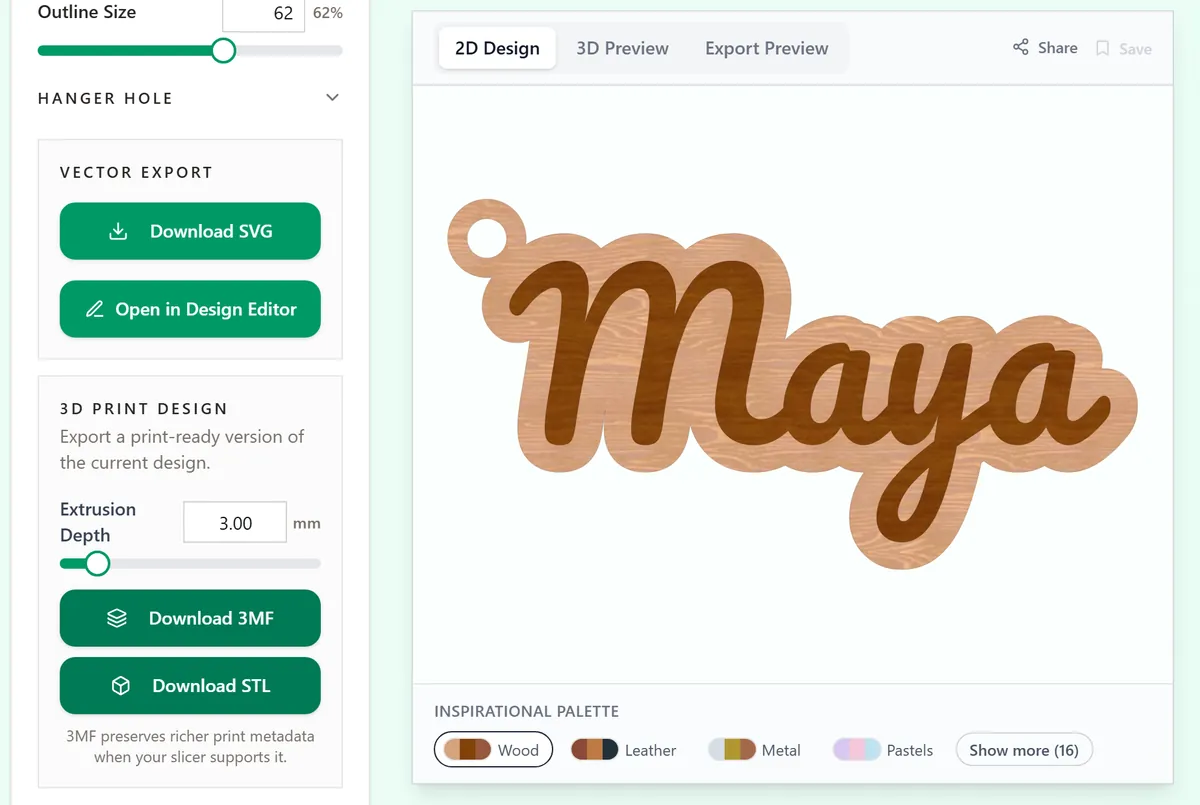
Which file to download for your machine
SVG, 3MF, STL, PDF or PNG: the right download for a laser, a Cricut or Silhouette, a 3D printer or a printer, and how to check the size after import.
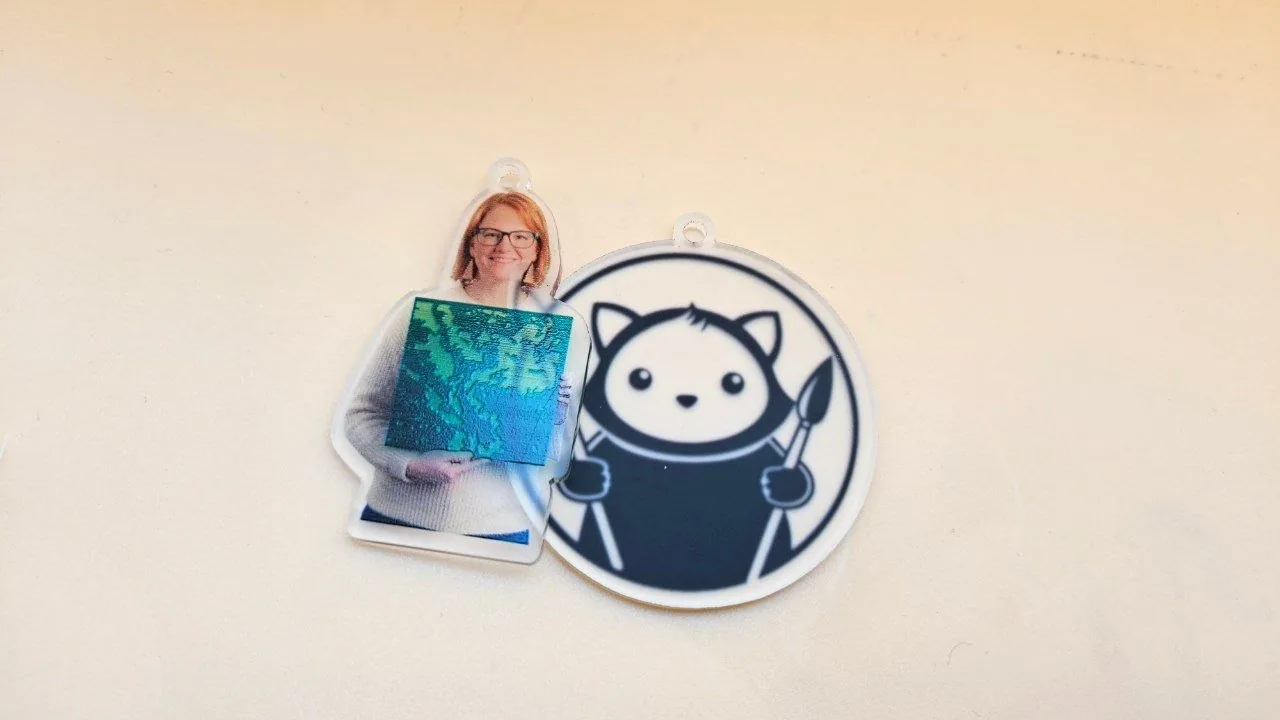
How to make photo print and cut keychains
photo silhouettes and artwork with matching print and cut files
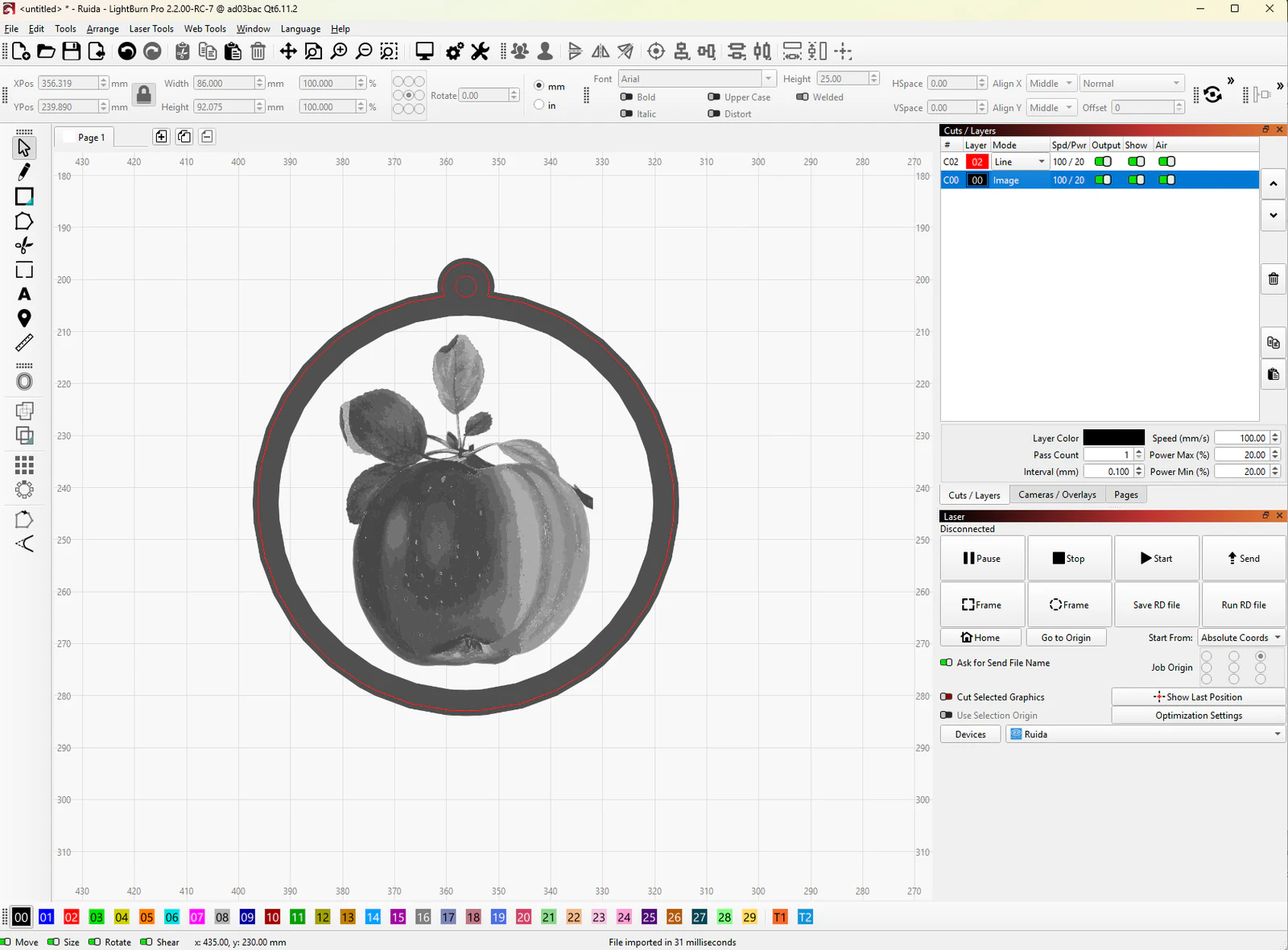
Print and cut in LightBurn: align artwork and cut paths
Prepare paired print and cut files, add two alignment targets, register them in LightBurn and check the outline before cutting.
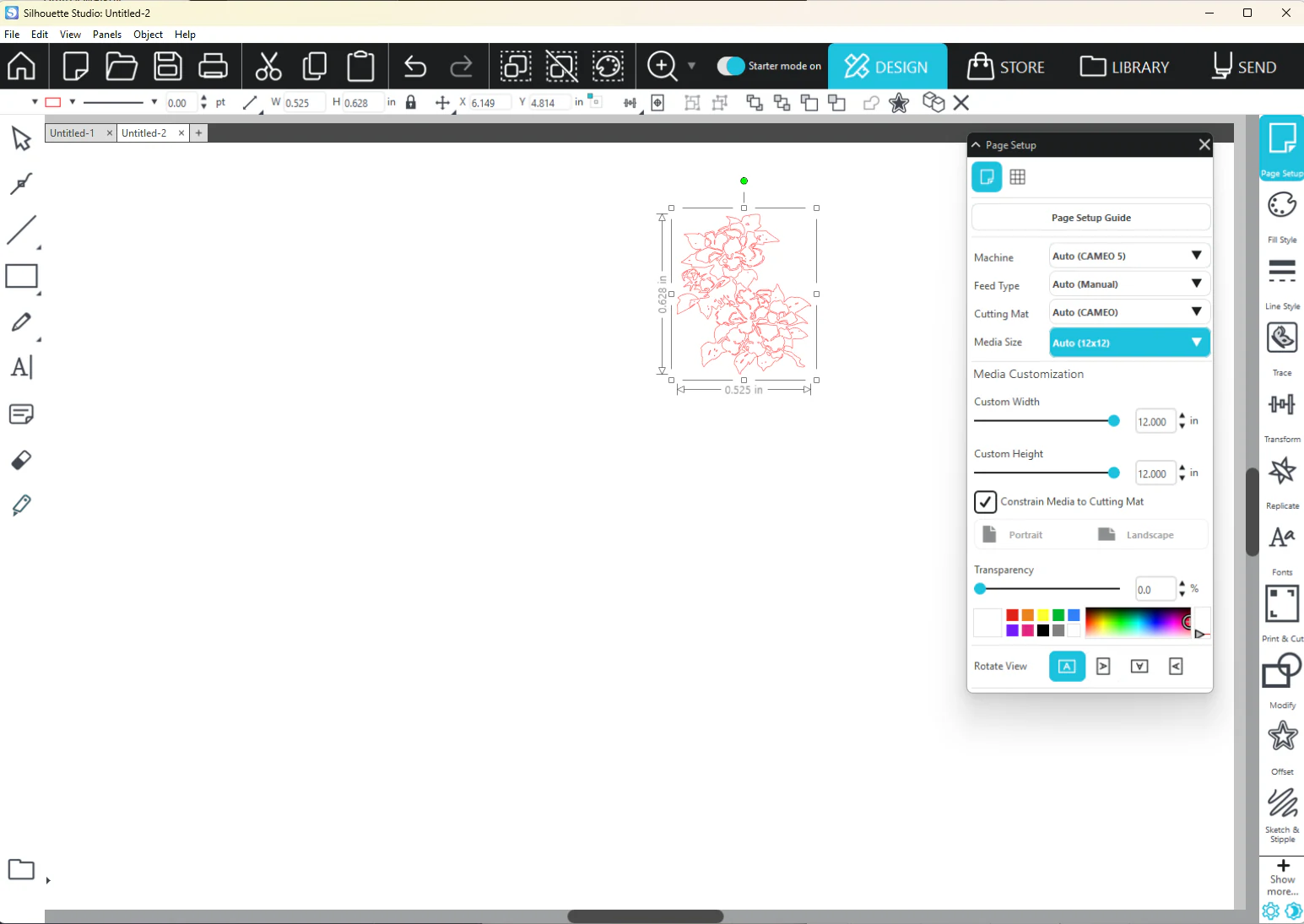
Print and cut MyLaserTools designs in Silhouette Studio
Choose the right Silhouette Studio edition, import artwork, prepare cut lines and print with Studio registration marks before sending the cut.
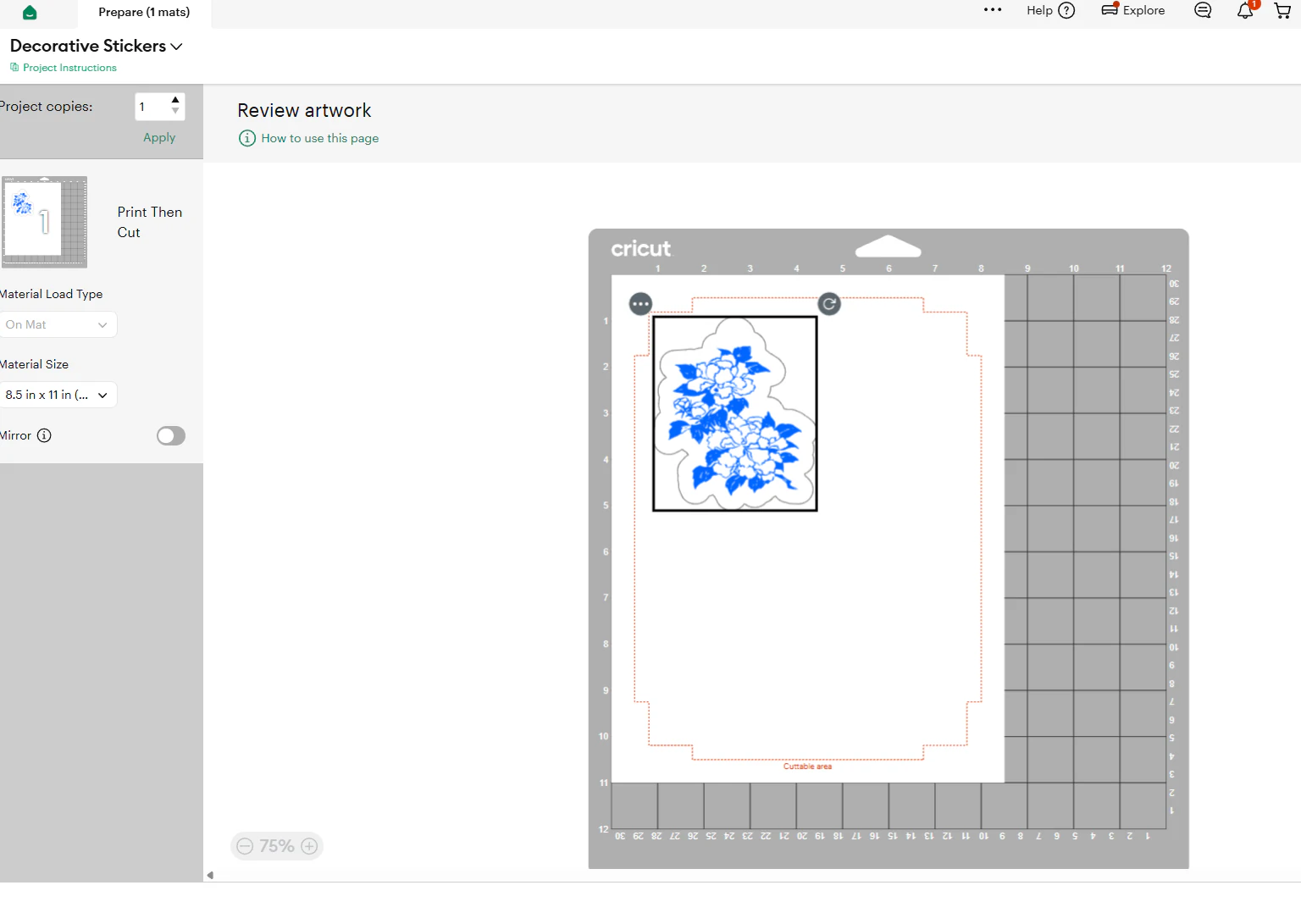
Cut vinyl and Print Then Cut MyLaserTools designs in Cricut Design Space
Upload an SVG to cut vinyl or iron-on, or a PNG for Print Then Cut, check its size and cut it on your Cricut.
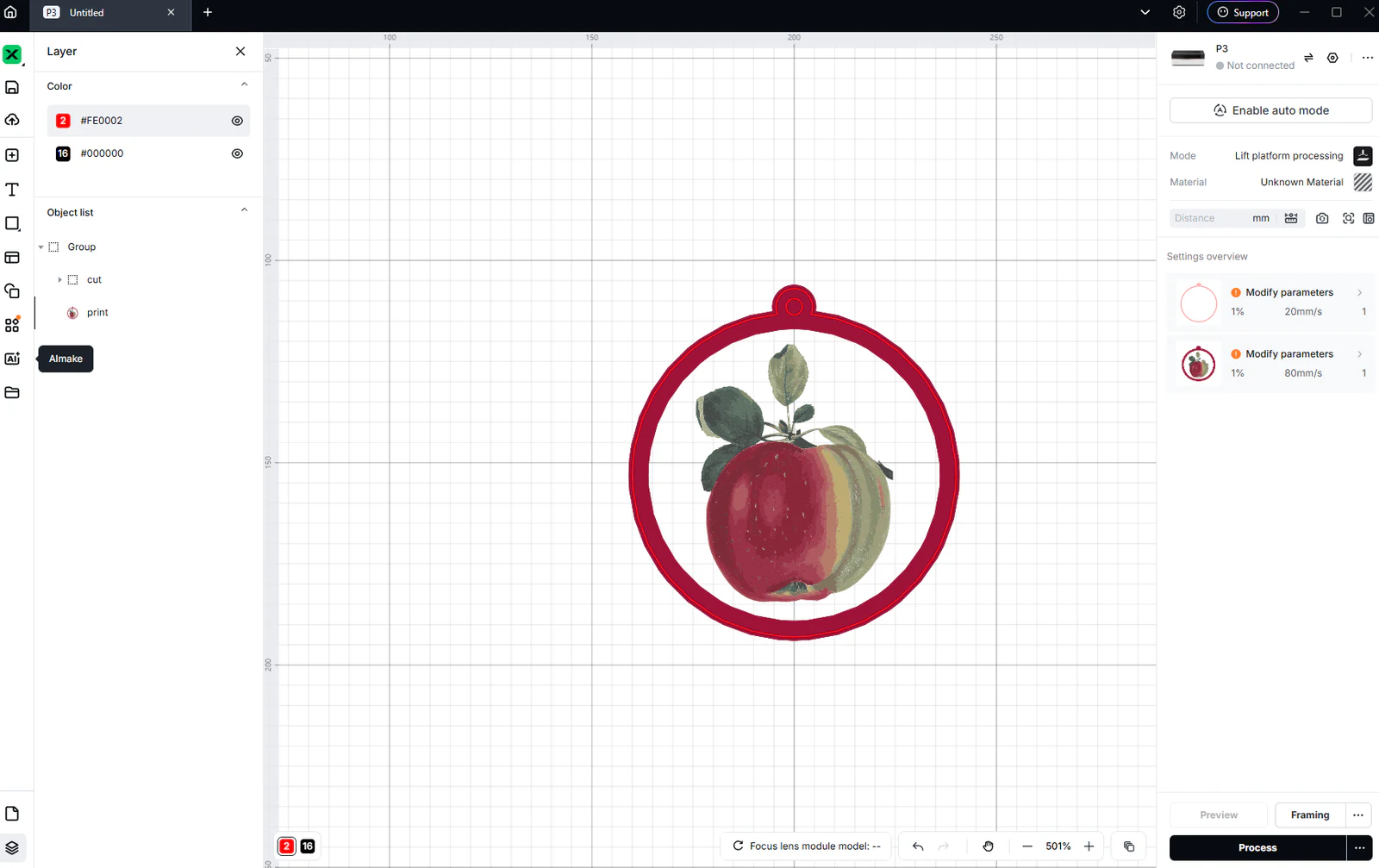
Use MyLaserTools in xTool Studio: SVG cutting and CO₂ engraving
Import SVG and photo exports in xTool Studio, check size, choose Cut, Score or Engrave, and review P3 CO₂ output. Separate laser work from Apparel Printer DTF printing.
Keep up with MyLaserTools.
Email me about new tools, product updates, tutorials, and occasional MyLaserTools offers. Unsubscribe at any time.
© 2026 MyLaserTools.com. All rights reserved.