

Engraving
Prepare photos or vector artwork, choose the right operation and test detail on your material.
6 guides found
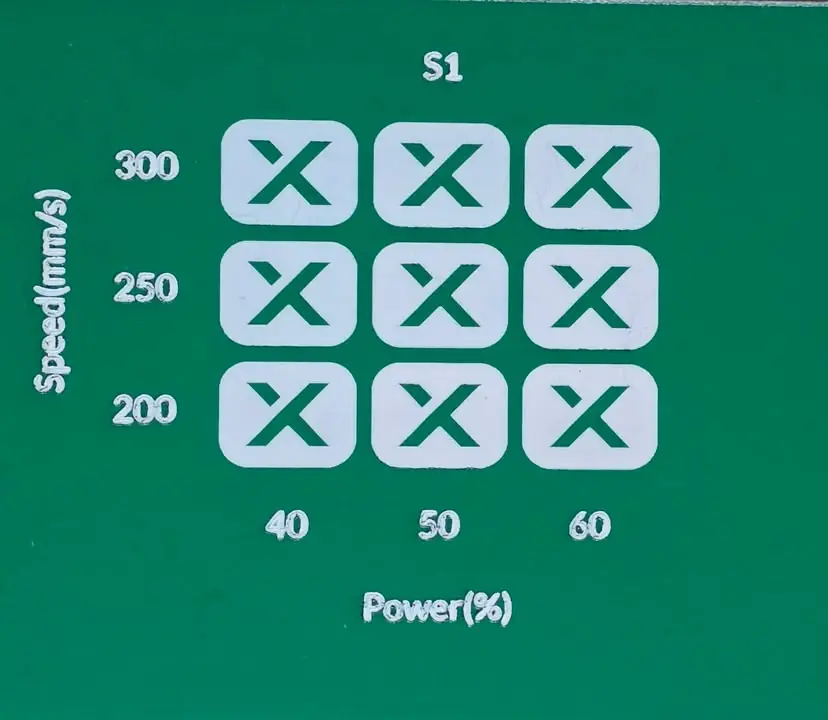
Run a laser material test in xTool Studio or LightBurn
Build a speed and power test grid, compare engraving and cutting results, and record settings for your actual laser and material.
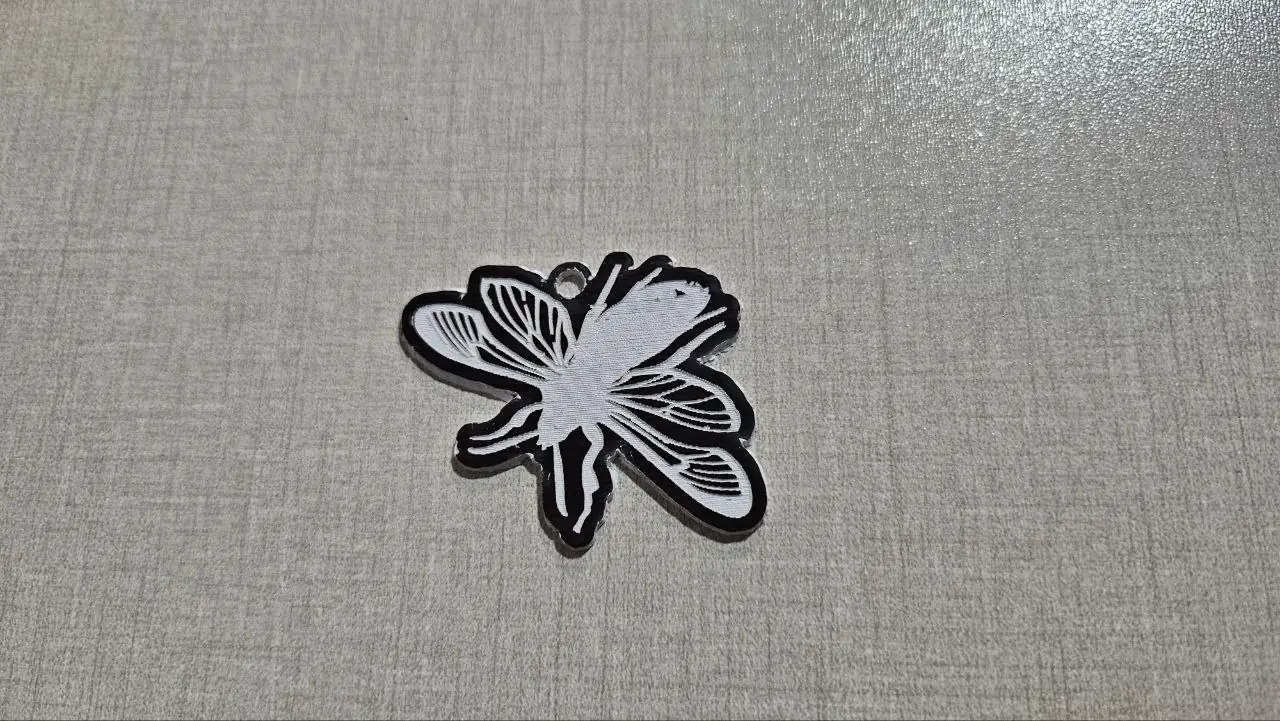
Import a cut-and-engrave design: a real software walkthrough
Follow the same floral keychain through LightBurn, xTool Studio, Cricut, Silhouette and Inkscape. See which imports preserve paths, which need tracing and where to check size.
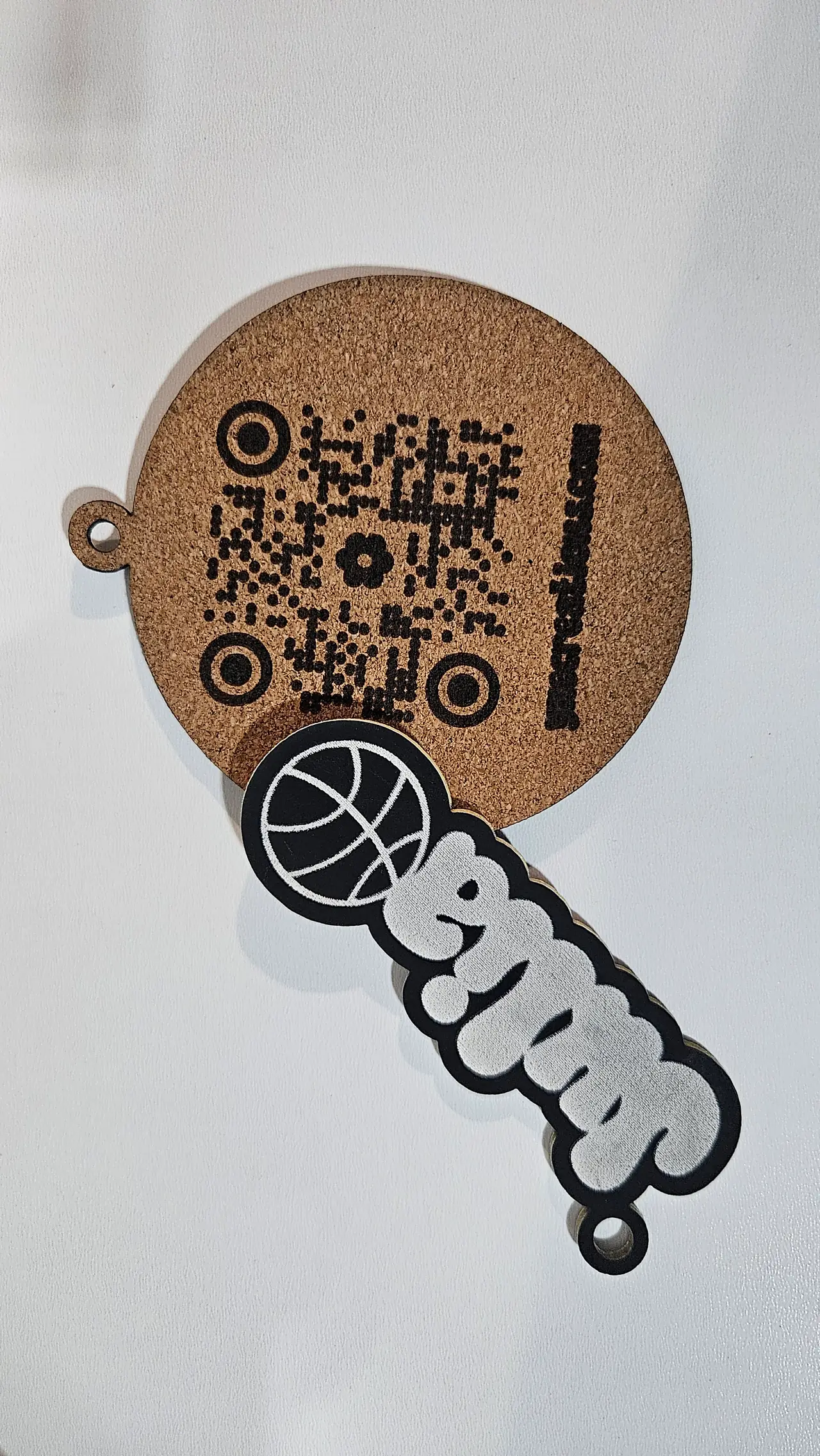
Prepare a photo engraving in LightBurn or xTool Studio
Choose raster engraving or vector line art, size the image, test processing on your material and keep any cut outline separate.
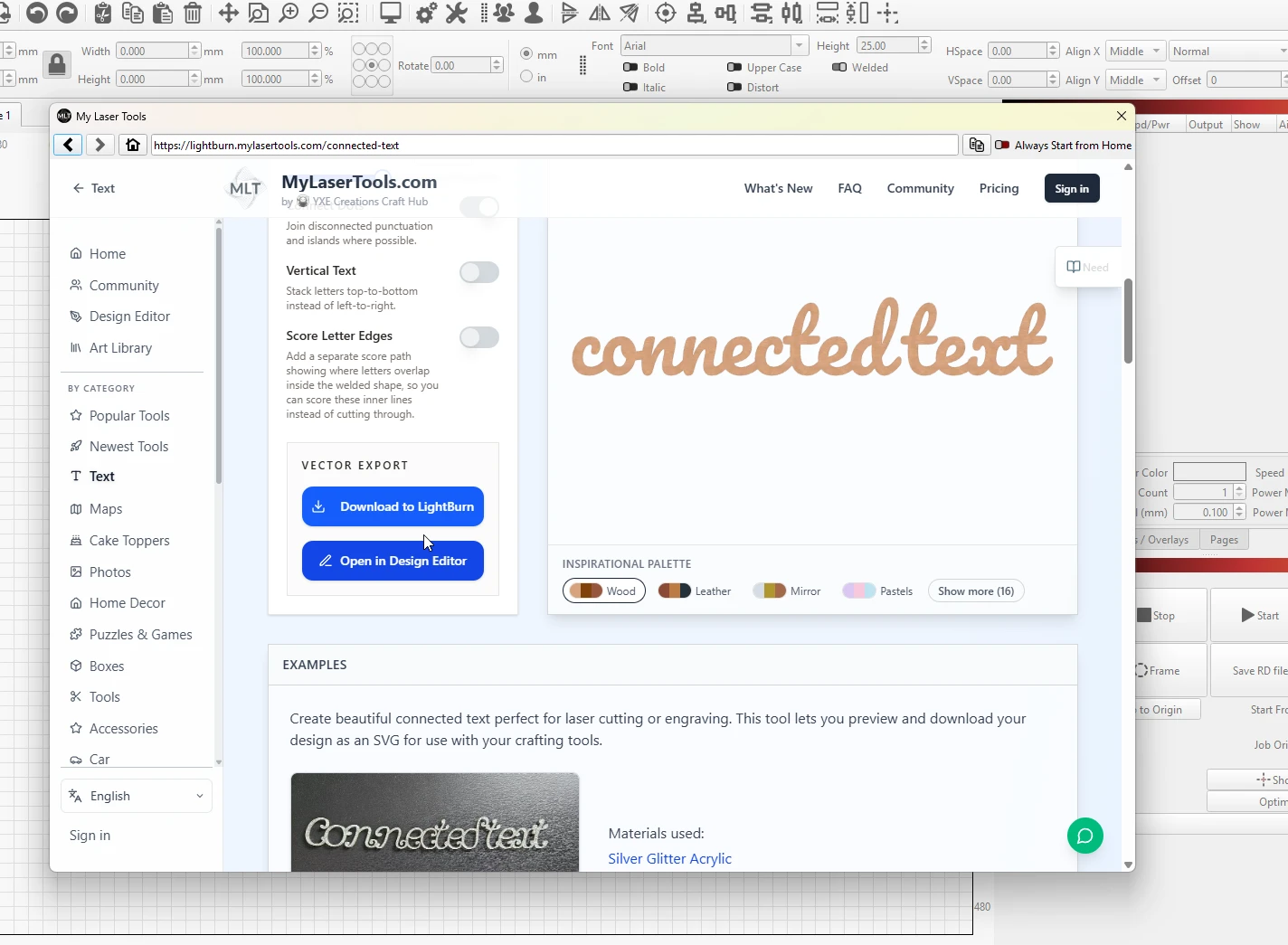
How to use MyLaserTools with LightBurn
open the generators from LightBurn's Web Tools menu, or import SVG, PNG, and STL downloads with their colour layers intact
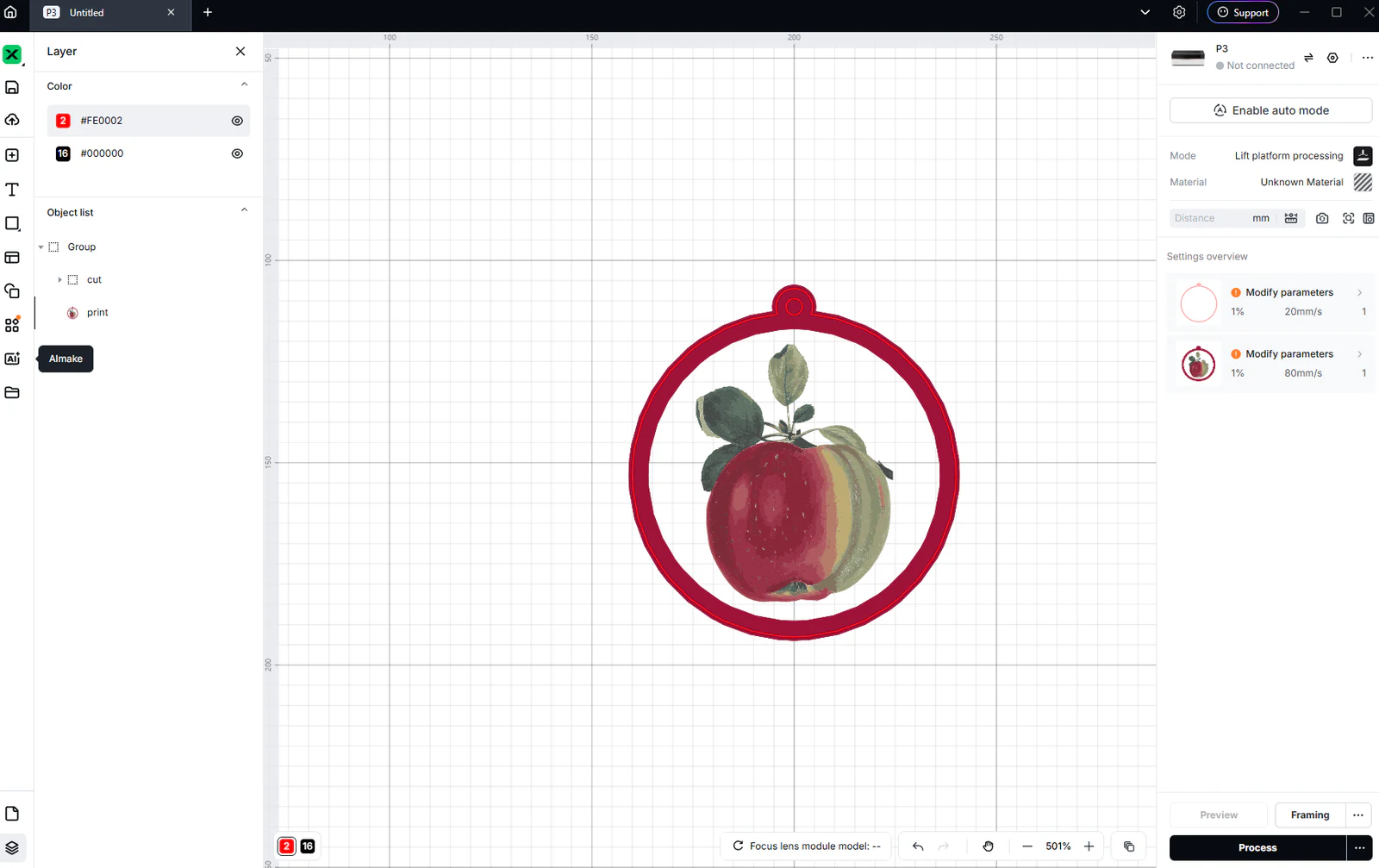
Use MyLaserTools in xTool Studio: SVG cutting and CO₂ engraving
Import SVG and photo exports in xTool Studio, check size, choose Cut, Score or Engrave, and review P3 CO₂ output. Separate laser work from Apparel Printer DTF printing.

Design Editor: make a name tag with engraved text
Make a name tag while learning to add shapes and text, set dimensions, choose operations and export an SVG.
Keep up with MyLaserTools.
Email me about new tools, product updates, tutorials, and occasional MyLaserTools offers. Unsubscribe at any time.
© 2026 MyLaserTools.com. All rights reserved.