

Layered cutting
Separate physical pieces, assign cut and engrave operations, then check fit and assemble.
6 guides found
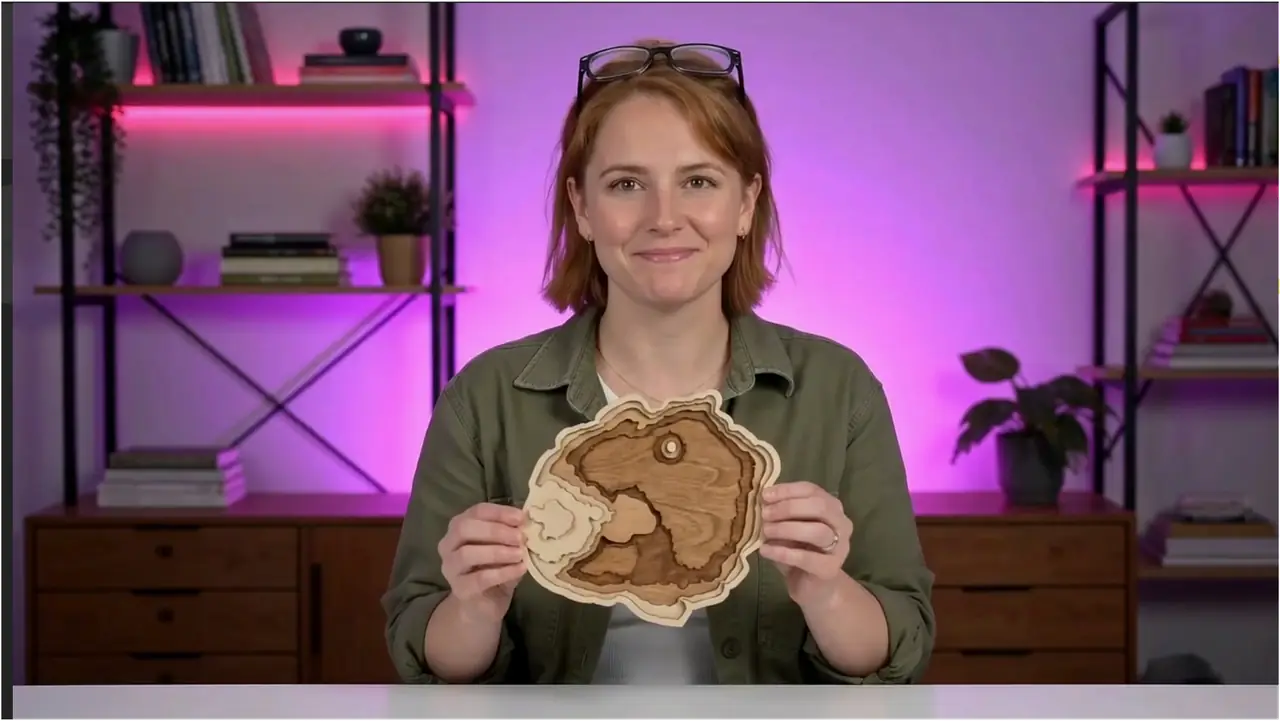

Cut and assemble layered SVG projects in LightBurn or xTool Studio
Separate physical layers from machine operations, preserve shared scale, test material fit and dry-assemble a layered MyLaserTools design.
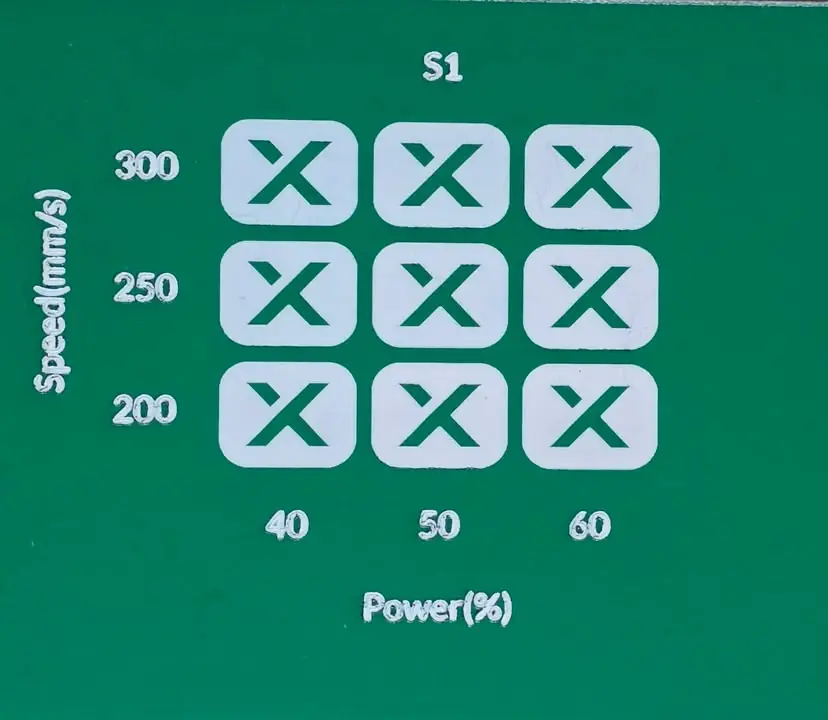
Run a laser material test in xTool Studio or LightBurn
Build a speed and power test grid, compare engraving and cutting results, and record settings for your actual laser and material.
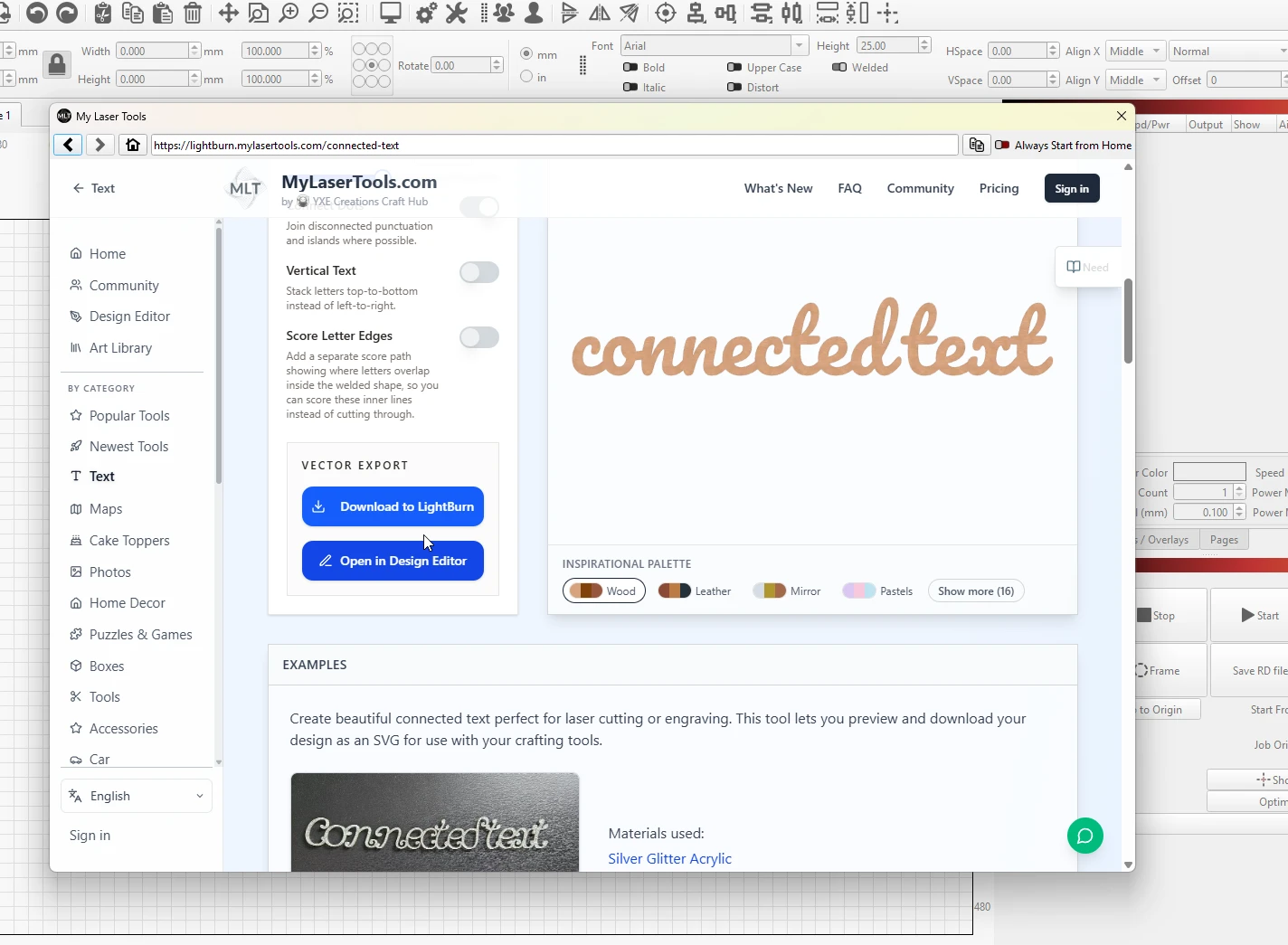
How to use MyLaserTools with LightBurn
open the generators from LightBurn's Web Tools menu, or import SVG, PNG, and STL downloads with their colour layers intact
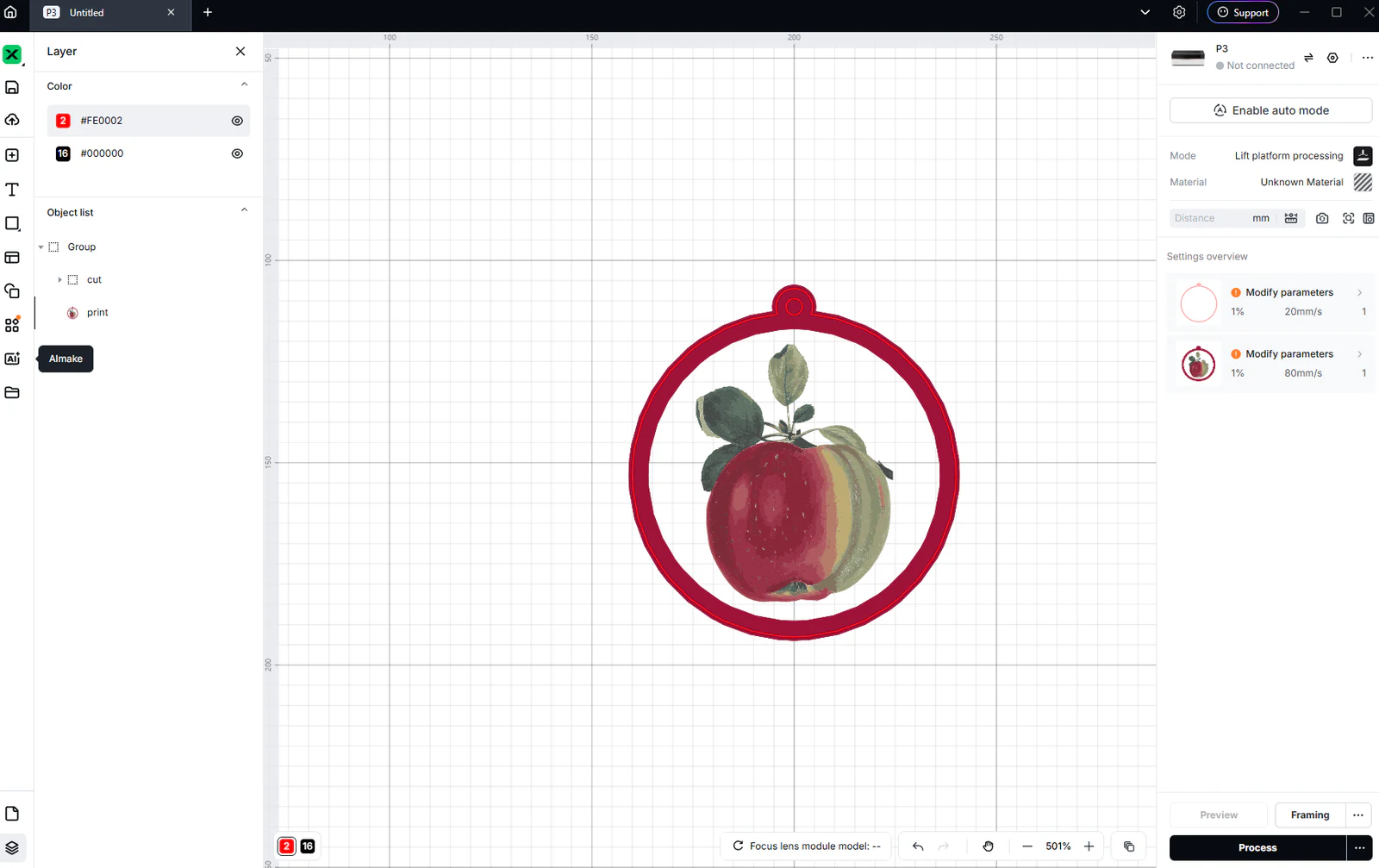
Use MyLaserTools in xTool Studio: SVG cutting and CO₂ engraving
Import SVG and photo exports in xTool Studio, check size, choose Cut, Score or Engrave, and review P3 CO₂ output. Separate laser work from Apparel Printer DTF printing.
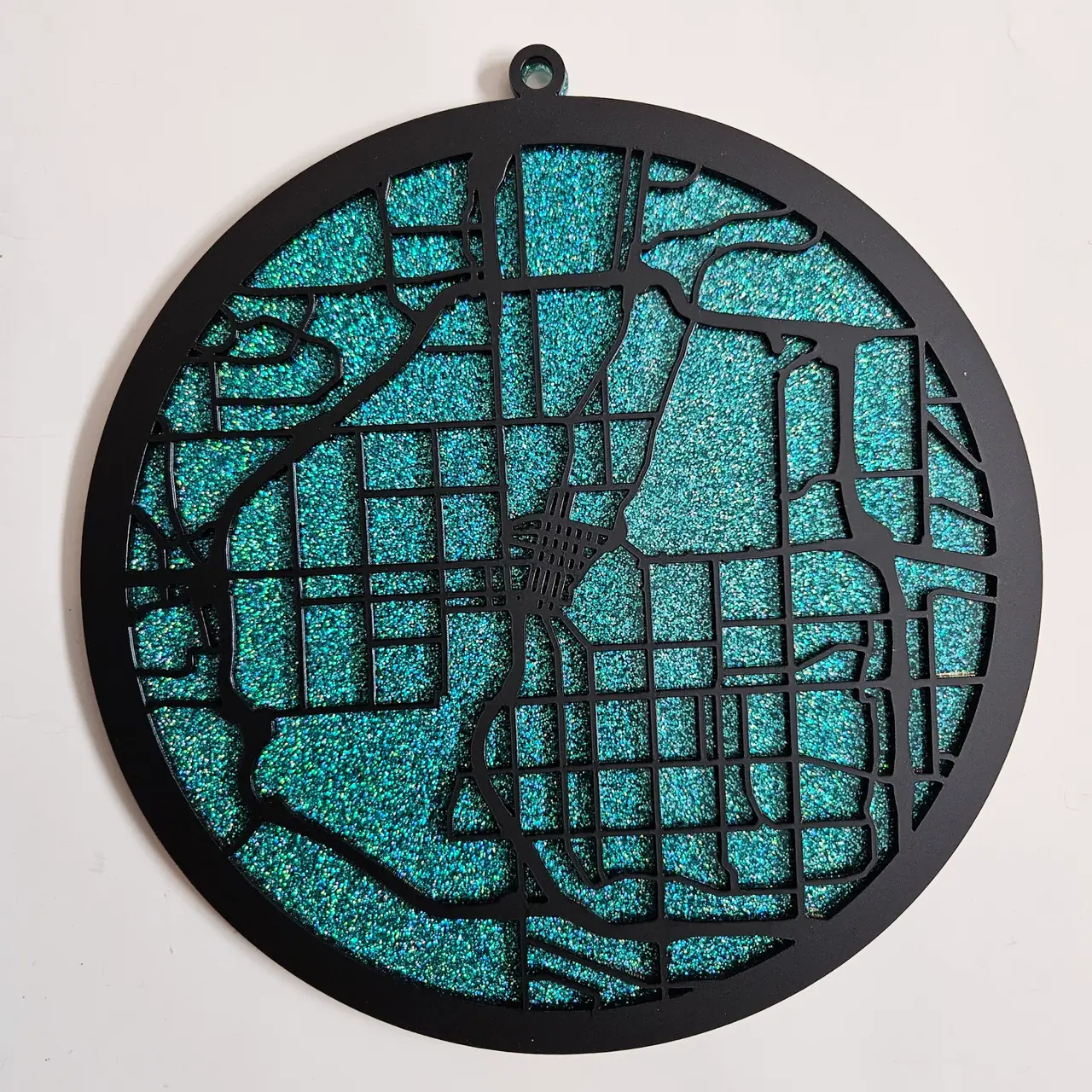
Gluing and assembling layered map stacks
labeling, dry-fitting, gluing, and finishing a stack so it reads as one solid block
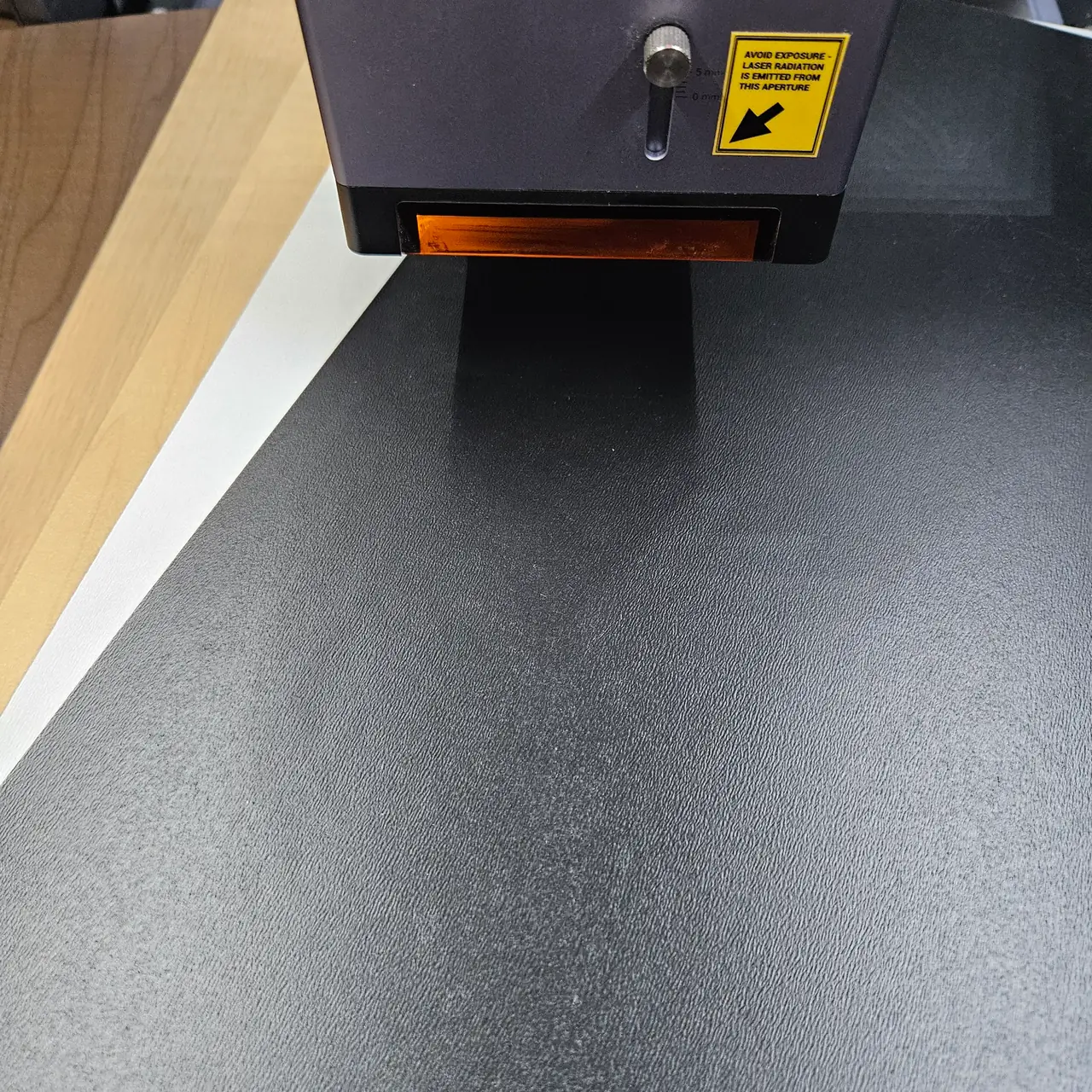
Choosing wood and acrylic for laser-cut maps
how sheet thickness, wood species, and acrylic color change a layered map build
Keep up with MyLaserTools.
Email me about new tools, product updates, tutorials, and occasional MyLaserTools offers. Unsubscribe at any time.
© 2026 MyLaserTools.com. All rights reserved.