

Printing and garment transfers
Print PDFs and artwork at the intended size, or prepare DTF artwork for printing, curing and heat transfer.
4 guides found
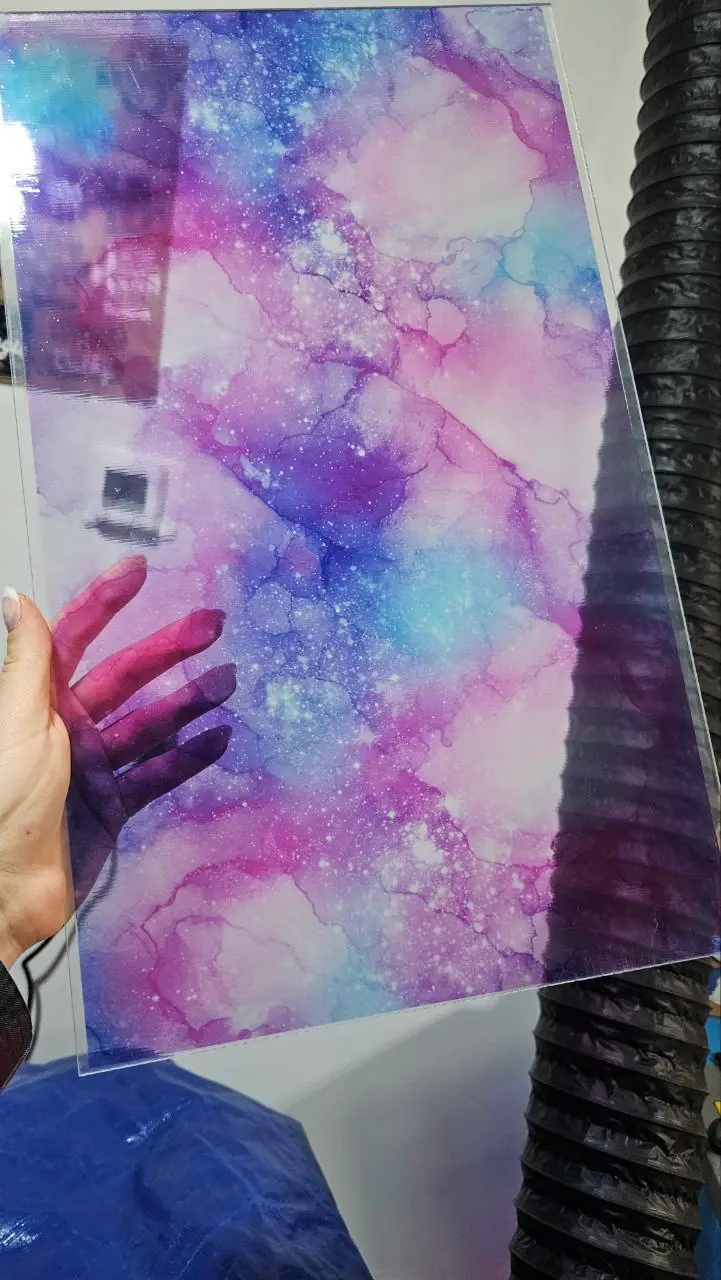

Print MyLaserTools PDFs and PNGs at actual size on an inkjet printer
Choose PDF or PNG, set page size and print scale, avoid unwanted borderless enlargement and check your first inkjet print with a ruler.
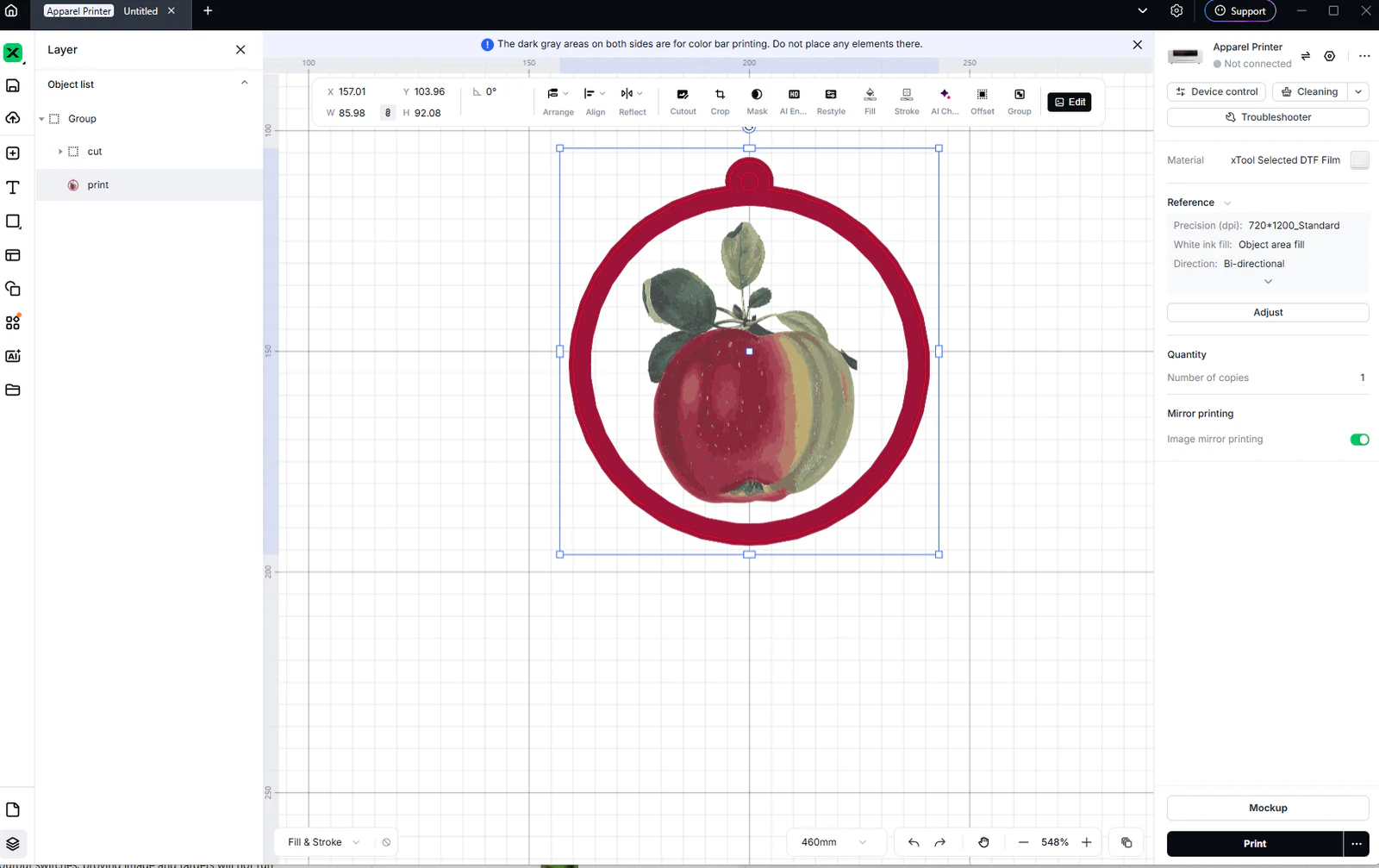
Print MyLaserTools artwork on clothing with xTool Apparel Printer
Prepare MyLaserTools artwork for xTool Apparel Printer, check dimensions and mirroring, preview a garment mockup, then print, cure and heat-press a DTF transfer.
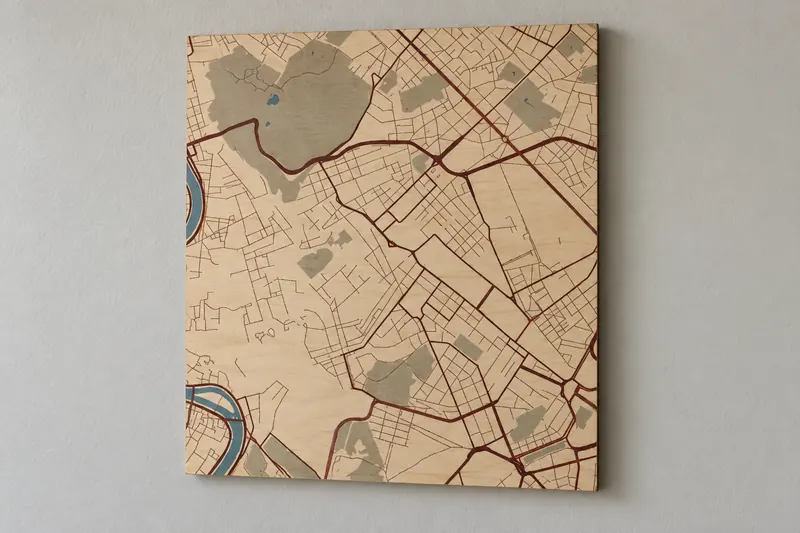
Printing a fancy framed map of any city
turn a city into framed wall art on your printer, a UV flatbed or at a local print shop
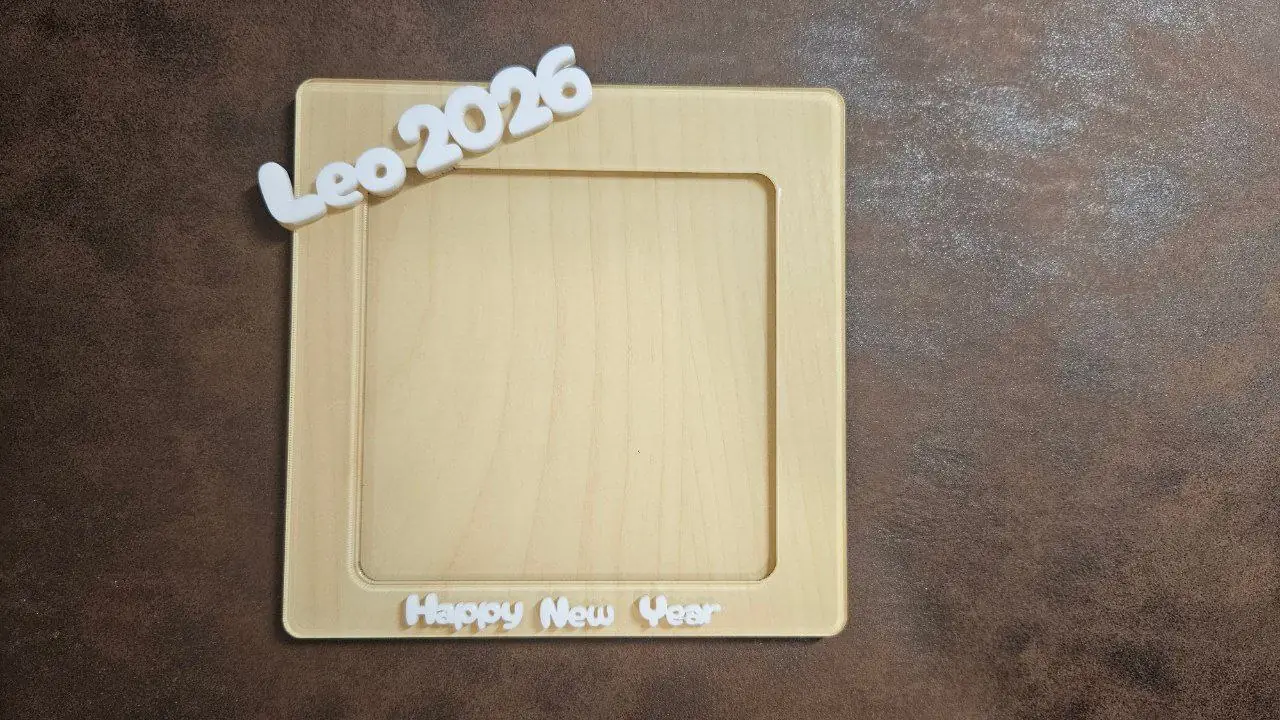
Framing and finishing a printed map
mats, frames, mounting and captions for a printed map
Email Updates
Keep up with MyLaserTools.
Email me about new tools, product updates, tutorials, and occasional MyLaserTools offers. Unsubscribe at any time.
Tag us on Instagram
Share what you made with @mylasertools
Join our Facebook Group
Share creations, ask questions, get inspired
Contact & Follow
Resources
YXE Creations Craft Hub Inc
© 2026 MyLaserTools.com. All rights reserved.