

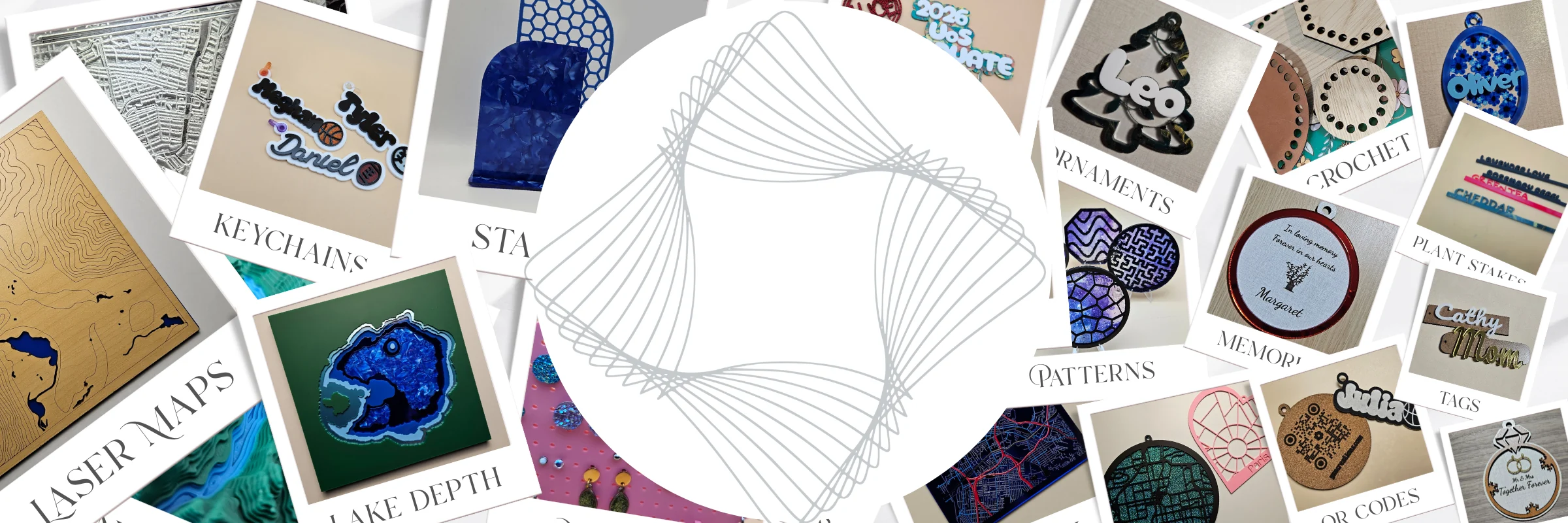
For LightBurn users
Welcome to MyLaserTools
Create and customize designs with MyLaserTools, then export SVG files to use in LightBurn.
MyLaserTools and LightBurn are separate, independent businesses. These online design tools are created, operated, and supported by MyLaserTools.
For help with our design tools, generated files, downloads, your MyLaserTools account, or MyLaserTools billing, contact us directly.
For help with LightBurn itself, including its installation, license, laser setup, or machine connection, contact LightBurn support through its official help channels.
LightBurn is sold by LightBurn Software. You can buy a license or start a free trial on their site. Visit the LightBurn store
MyLaserTools is a LightBurn affiliate. If you buy LightBurn through our links, we may earn a commission at no extra cost to you.
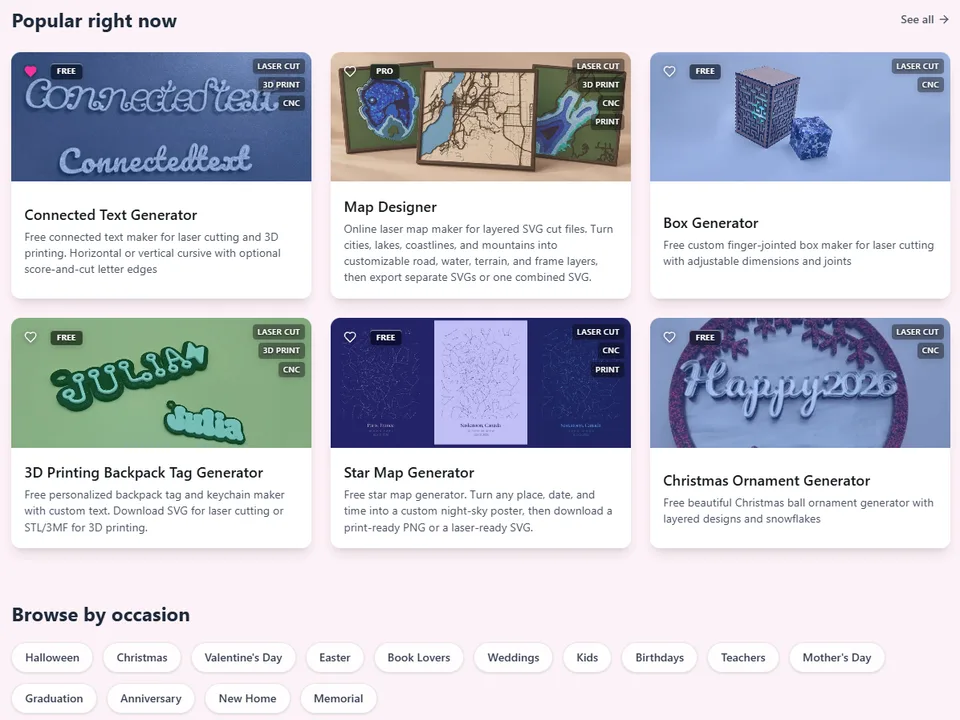
1. Pick a tool
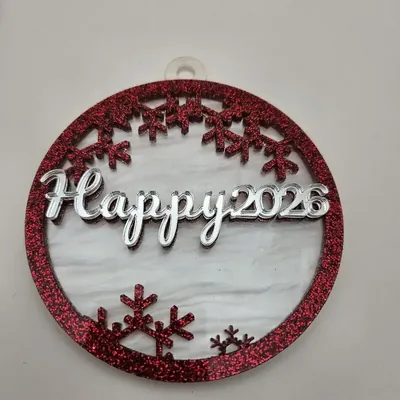
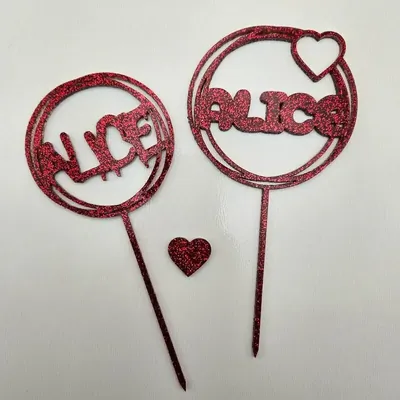
Choose a generator for signs, boxes, keychains, ornaments, earrings, cake toppers, or maps. Most tools are free and need no signup.
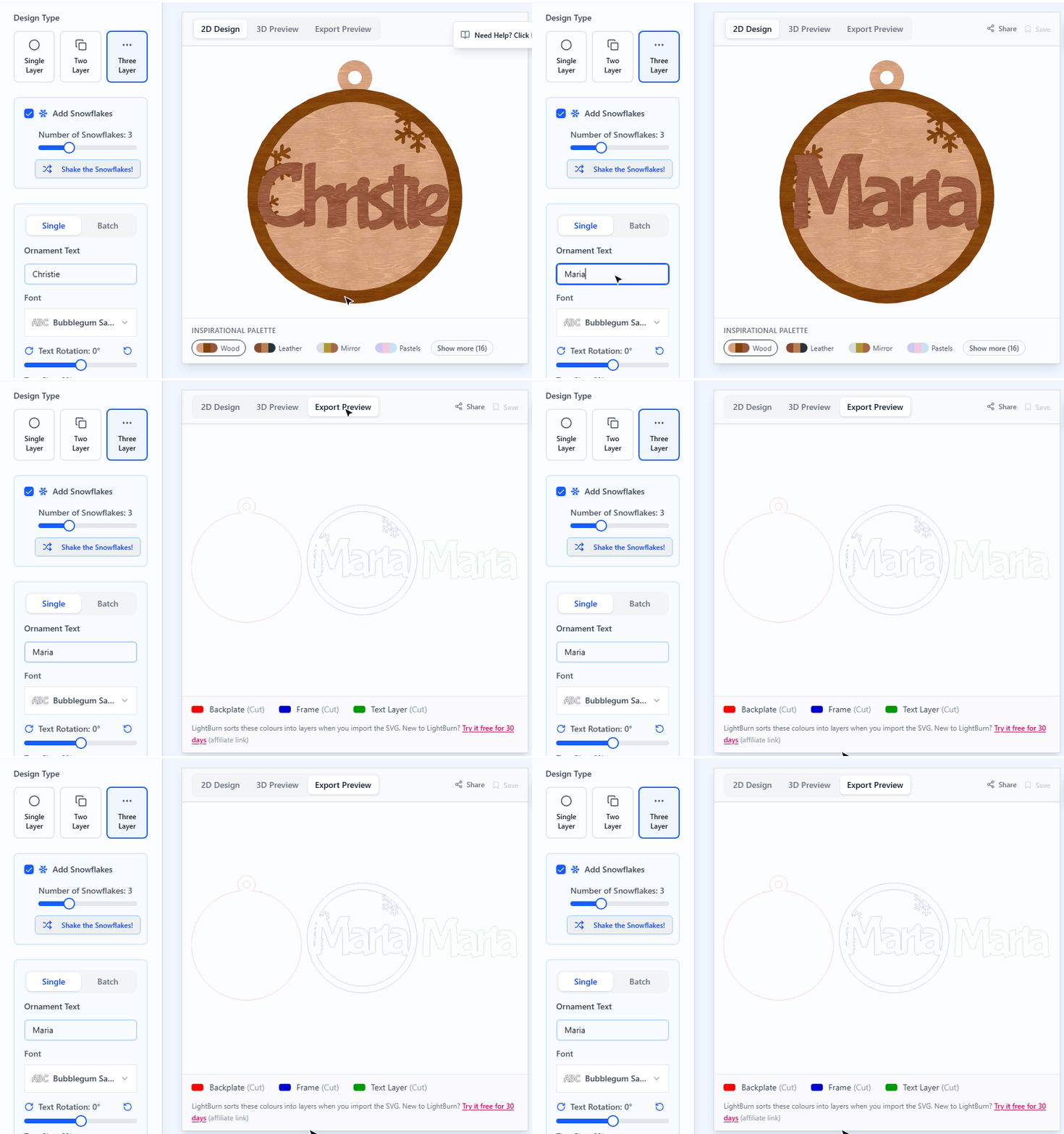
2. Customize your design
Type your text, choose fonts and shapes, and set sizes in millimeters or inches while the preview updates as you go.
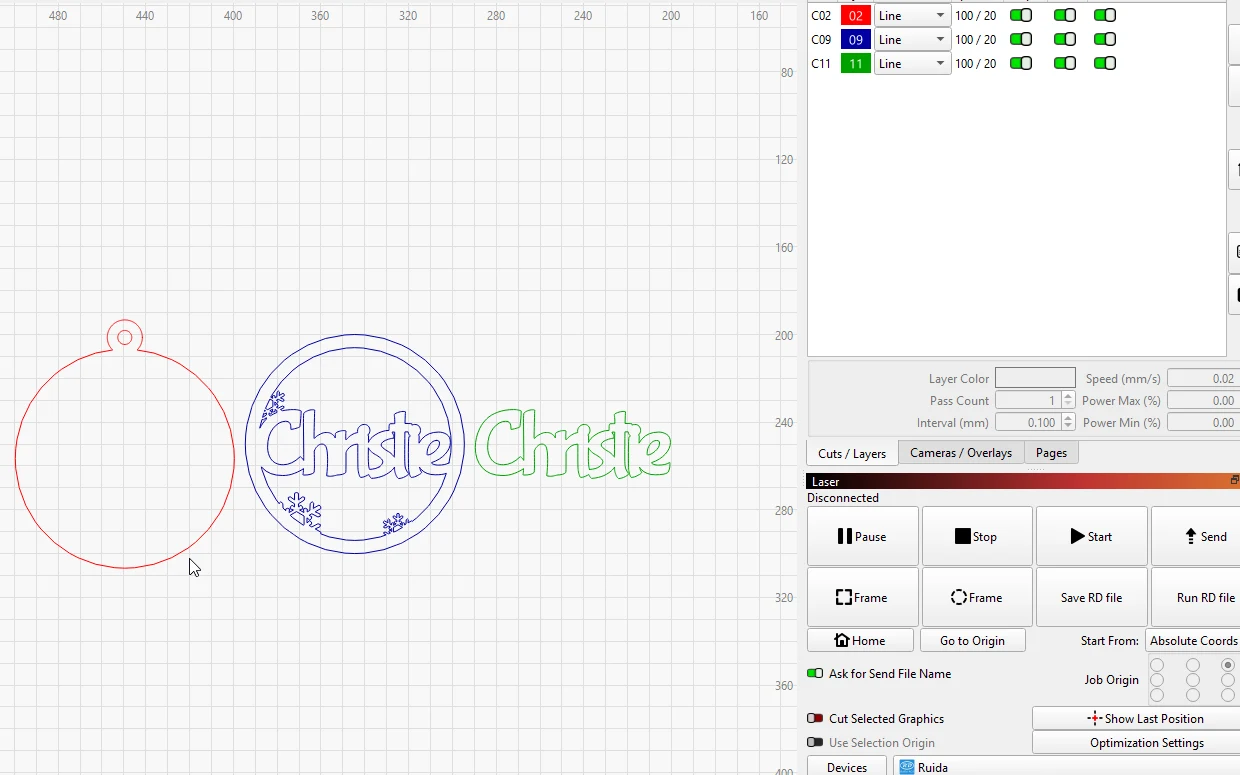
3. Export for LightBurn
Download the SVG, open or import it in LightBurn (affiliate link), and assign your cut and engrave layers.
Step-by-step guide with screenshots: how to use MyLaserTools with LightBurnWhy we recommend LightBurn
Design your next laser project
Most tools are free to use, with no signup required. Pick a tool, customize your design, and download an SVG for LightBurn.
Map Designer
Layered laser-cut maps, made simple
Turn city streets, lake and ocean depths, and terrain contours into layered maps. Presets set up the layers for you, so you can customize a place instead of drawing it from scratch.
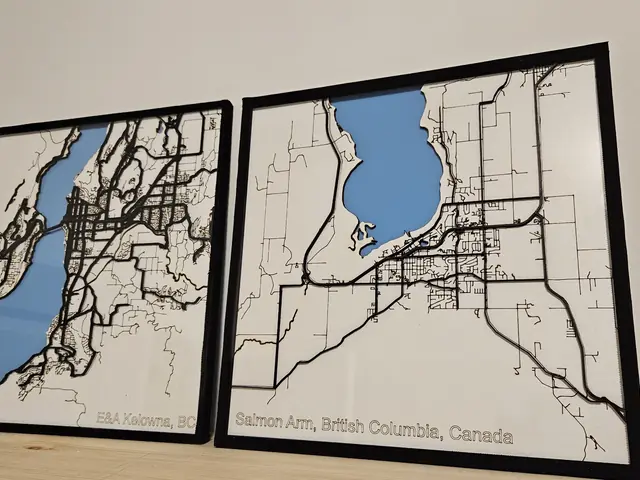
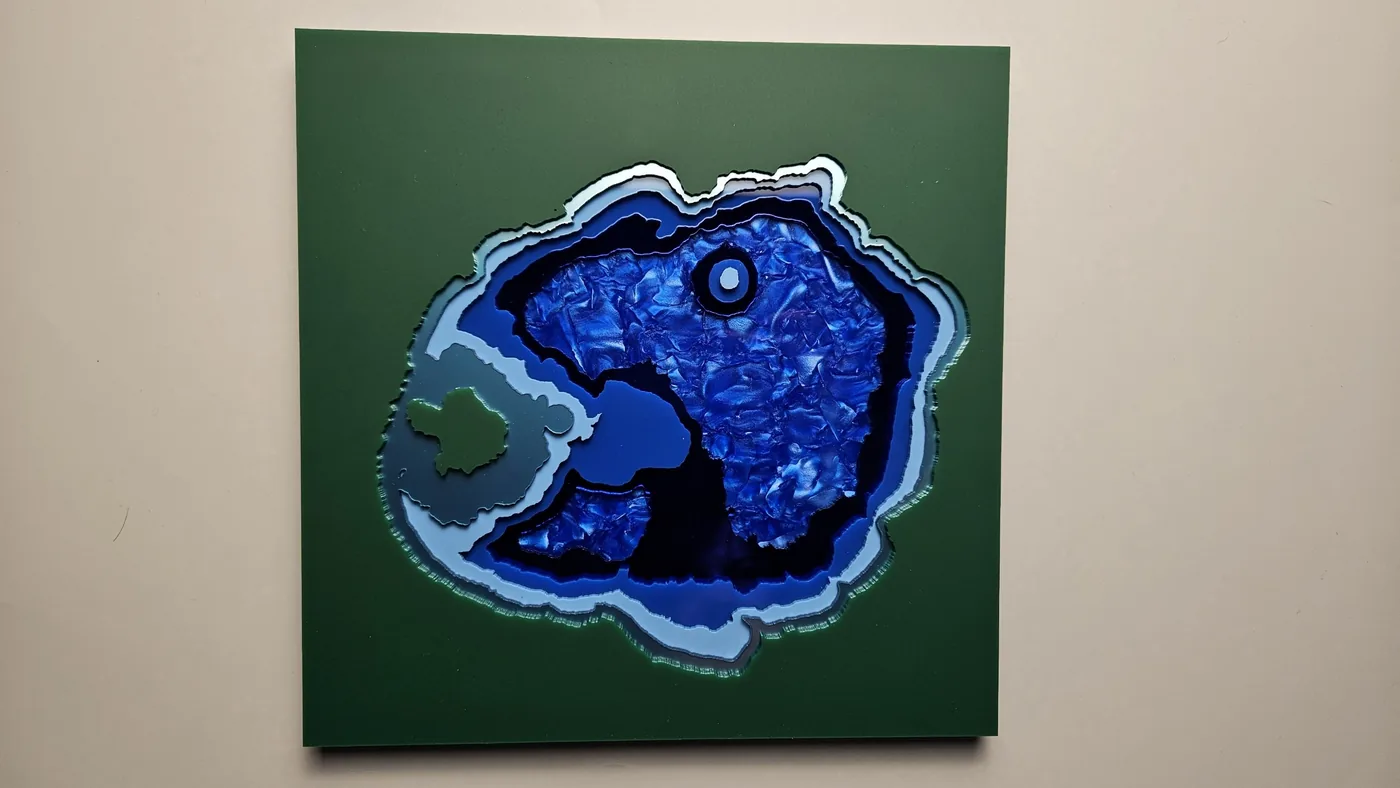
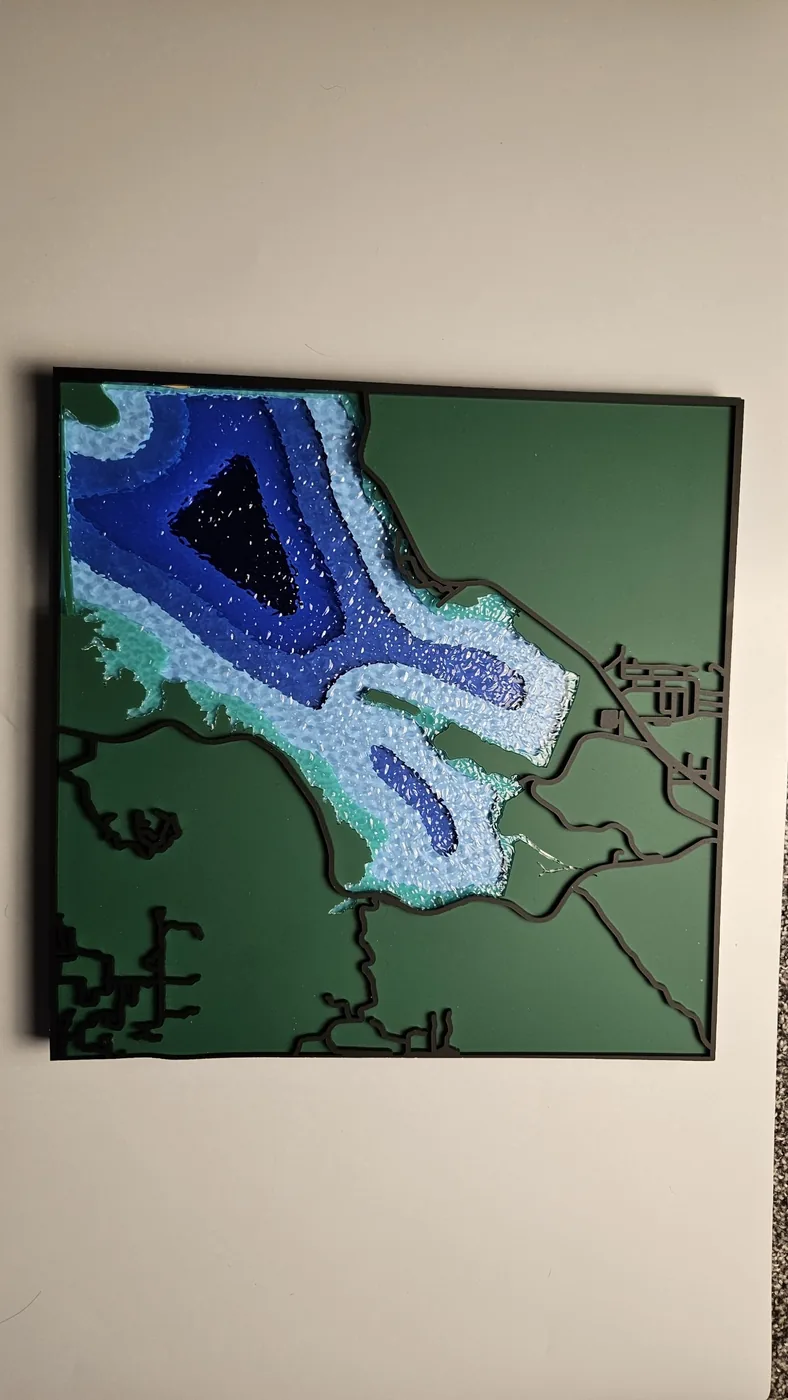
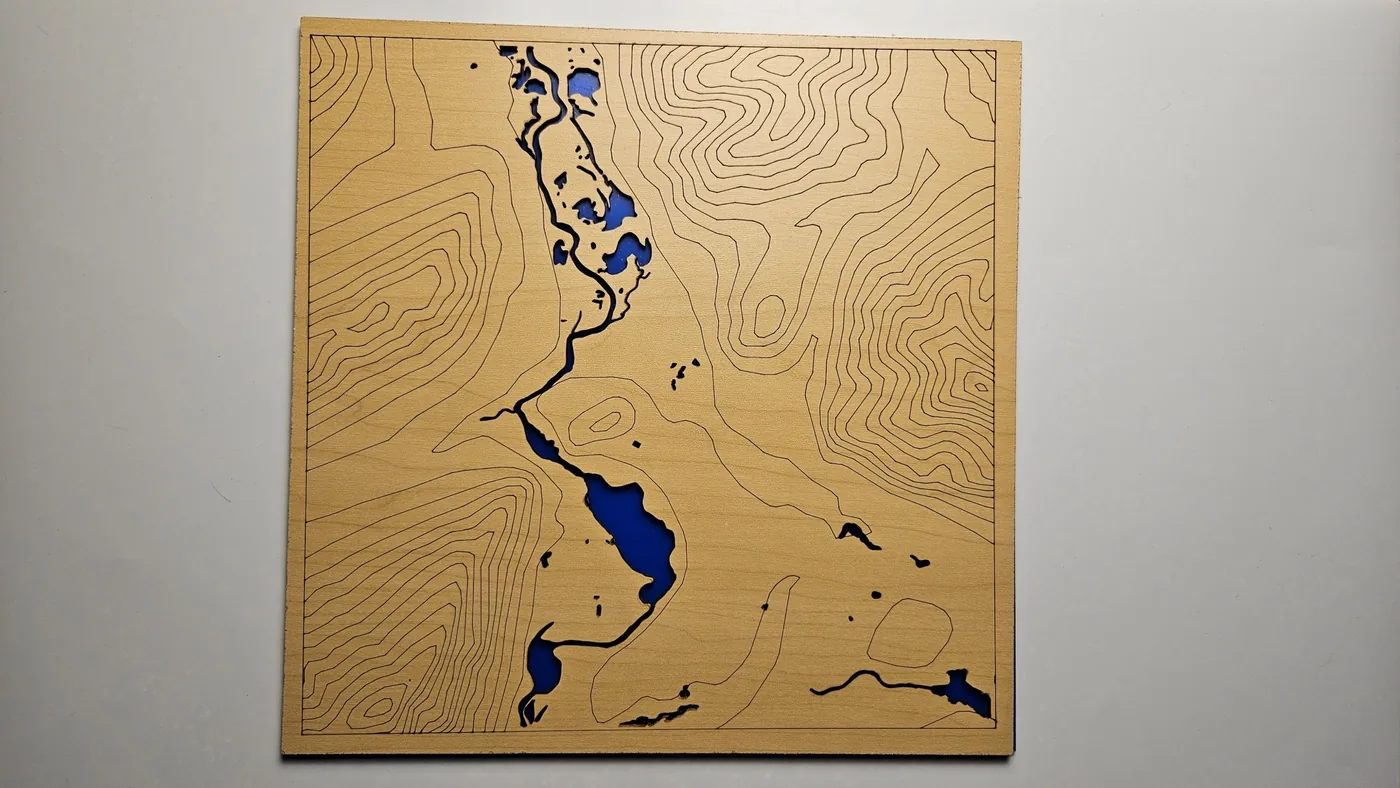
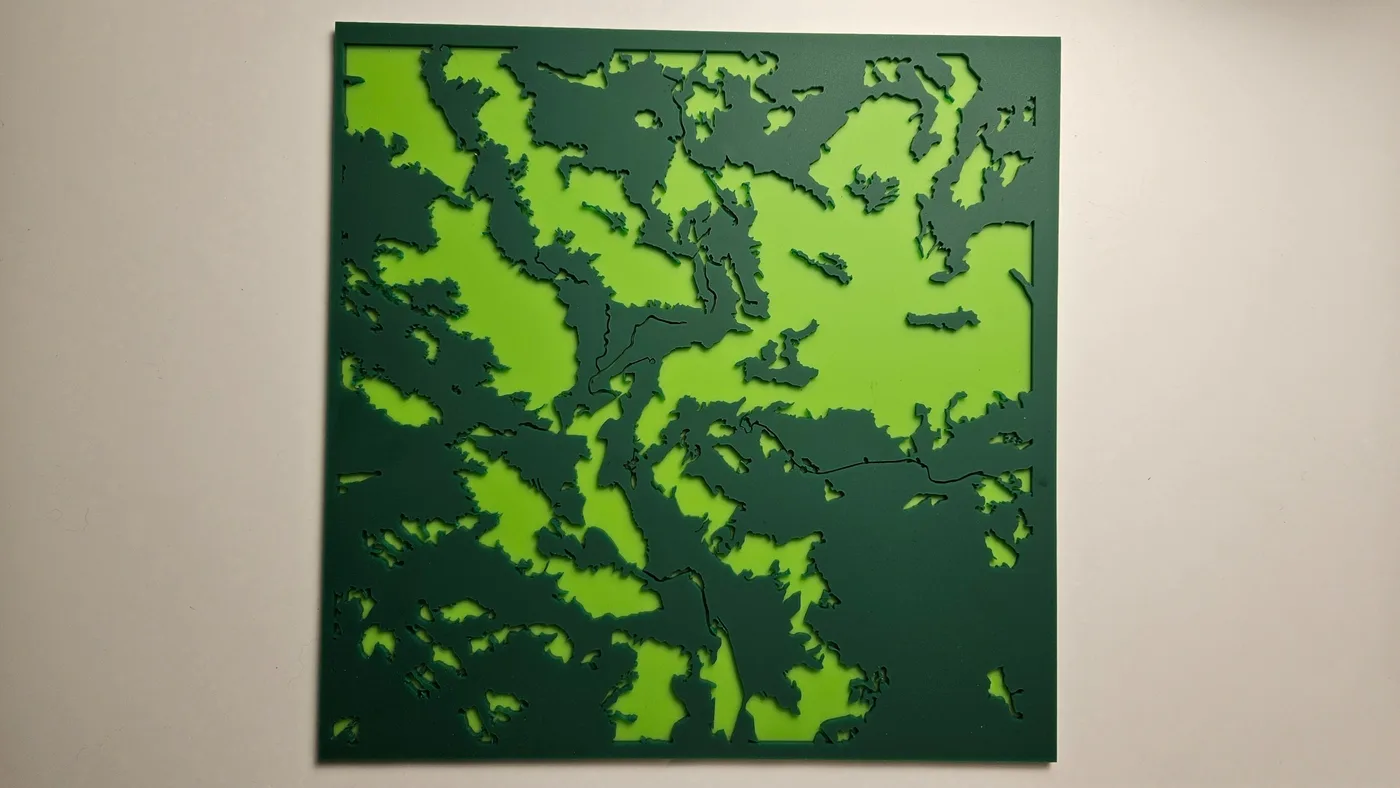
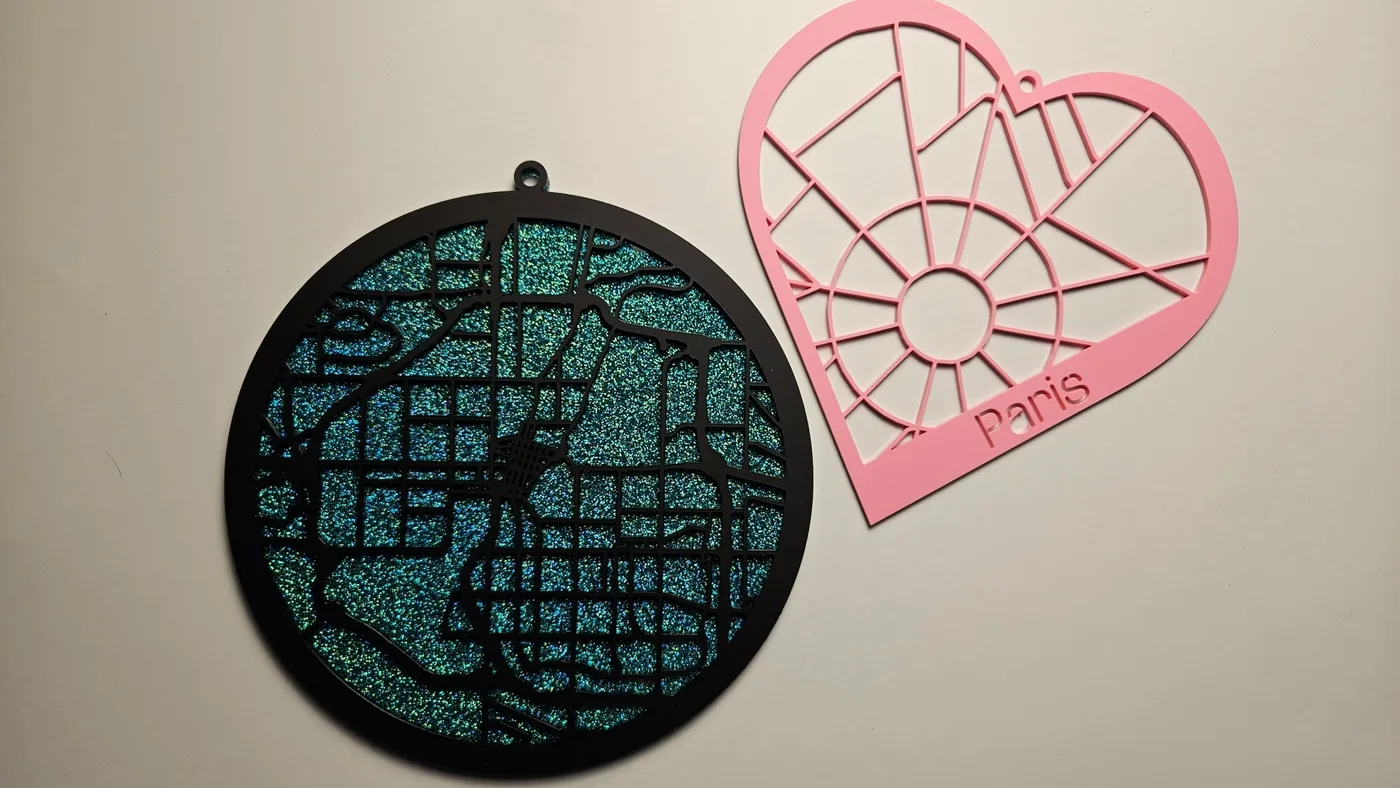
Choose your place, adjust the layers, preview in 3D, and export SVGs for cutting and assembly.
A free account includes every public preset, saved projects, and 100 sparks to spend, 10 per map export. Options for more exports
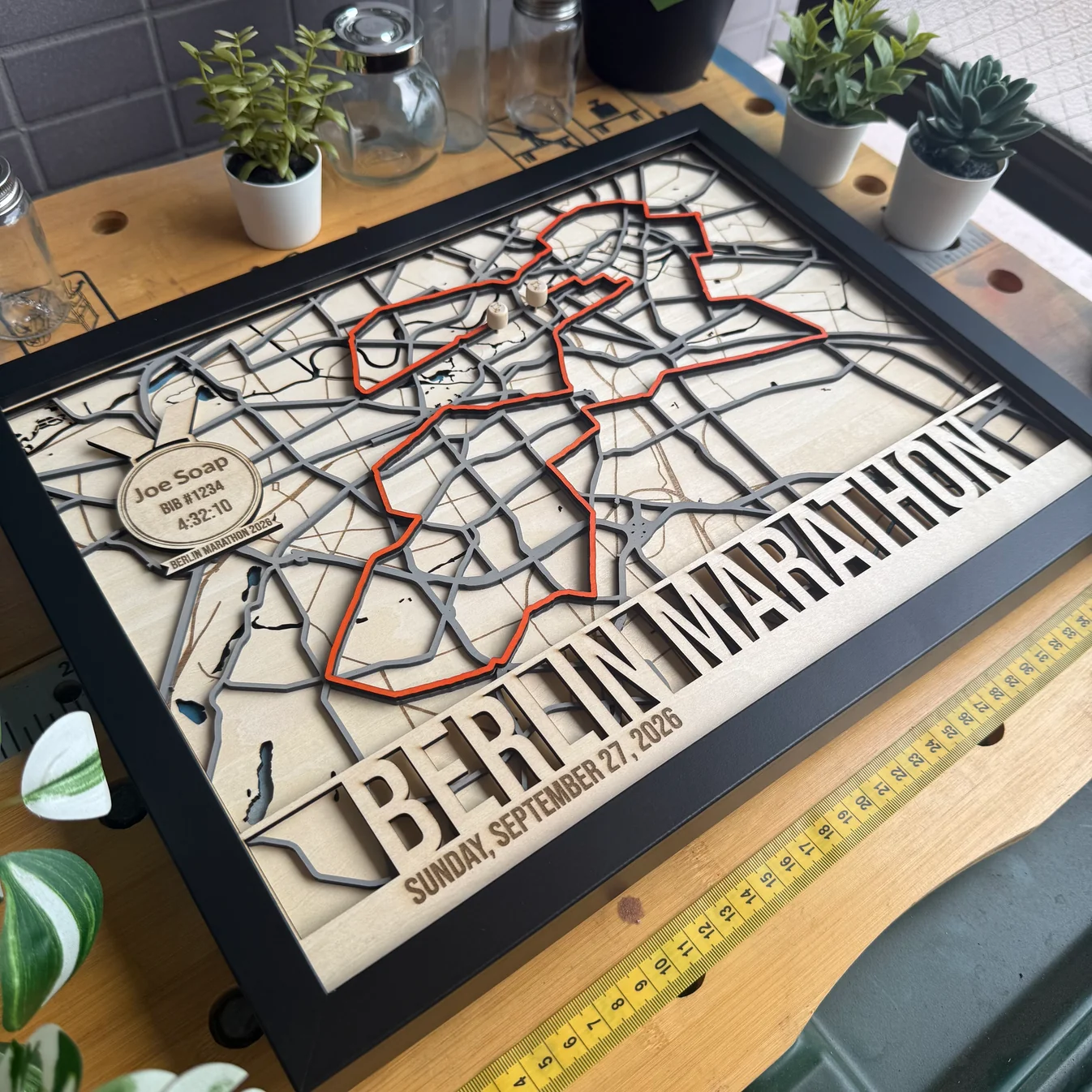
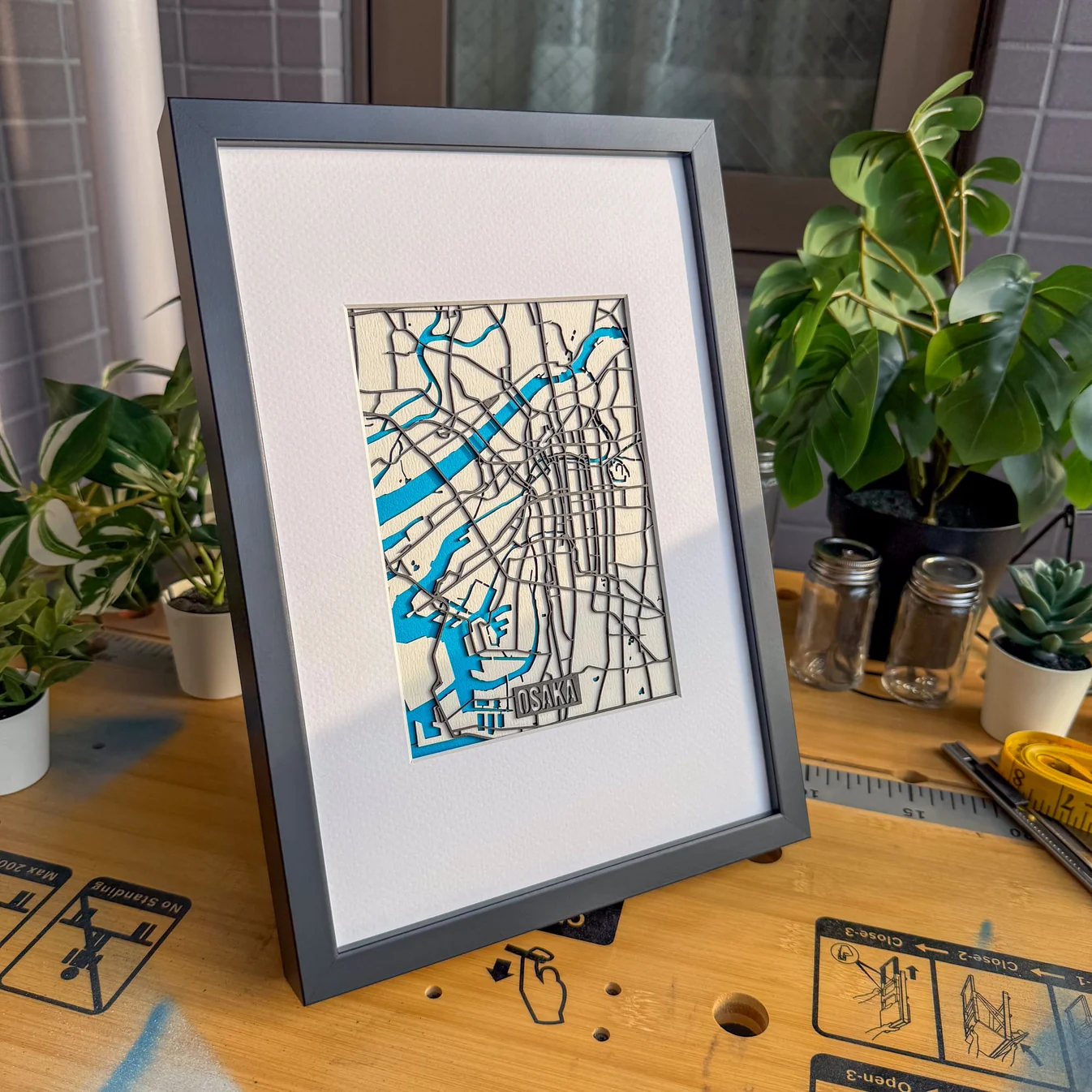
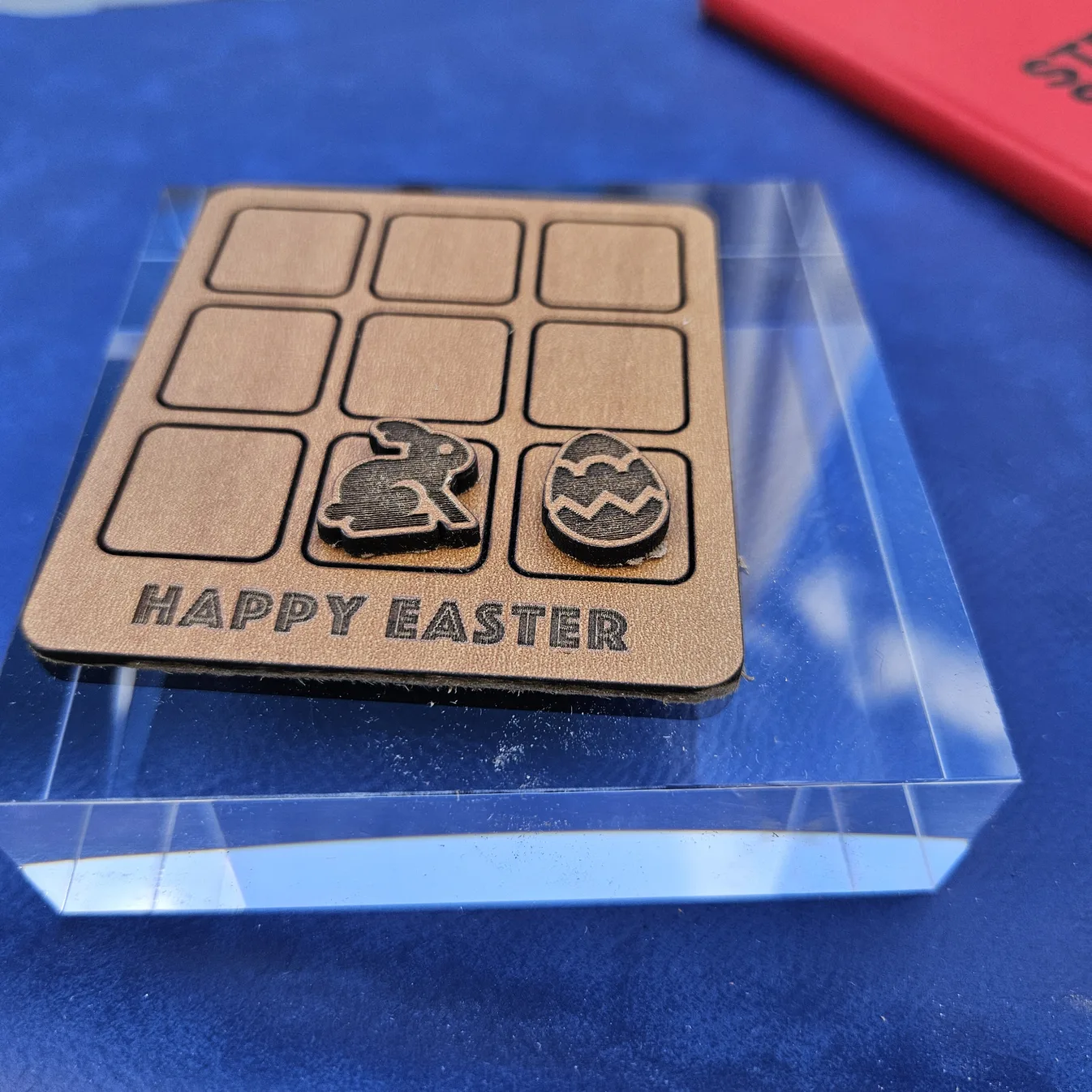
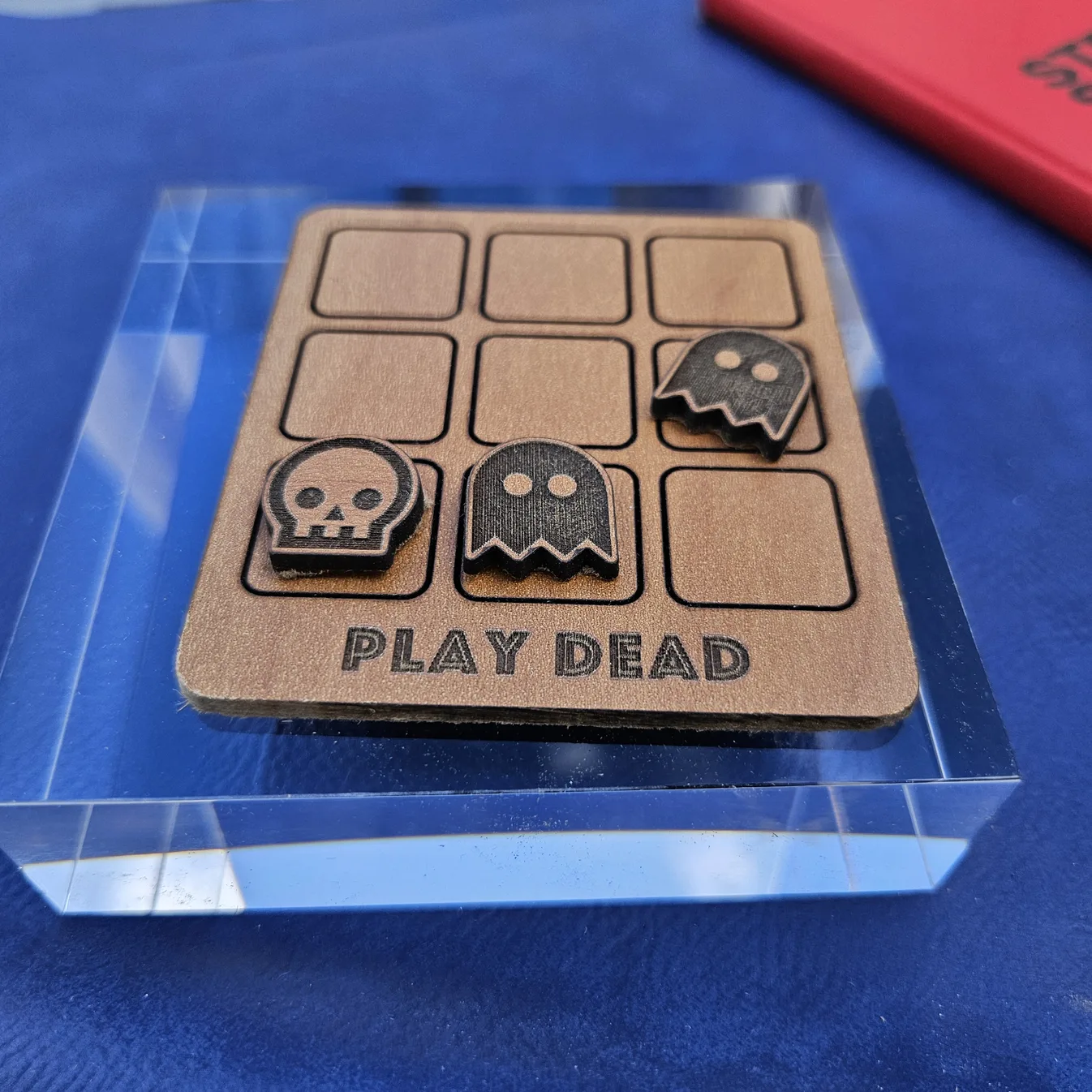
Real projects from the community
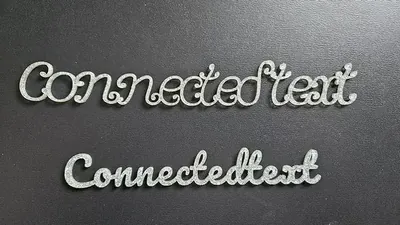
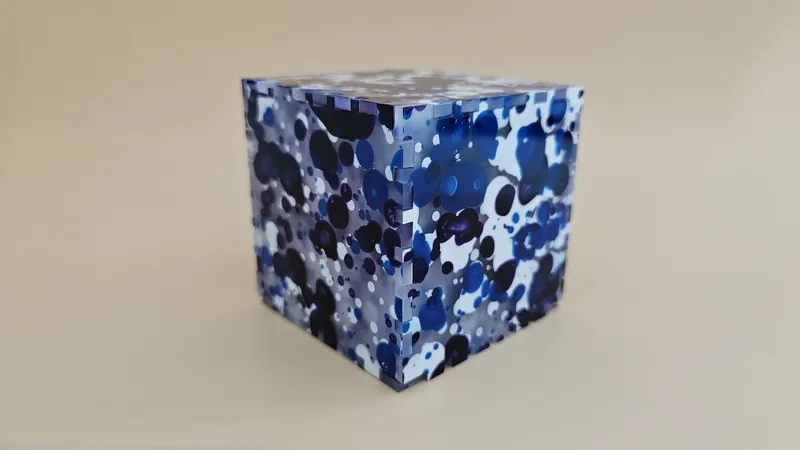
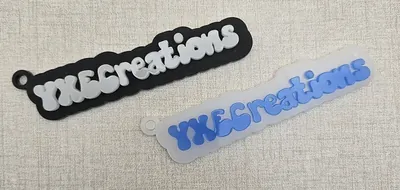
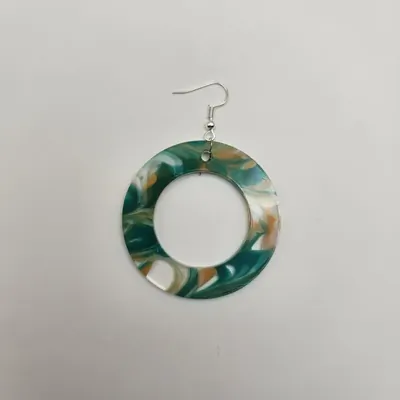
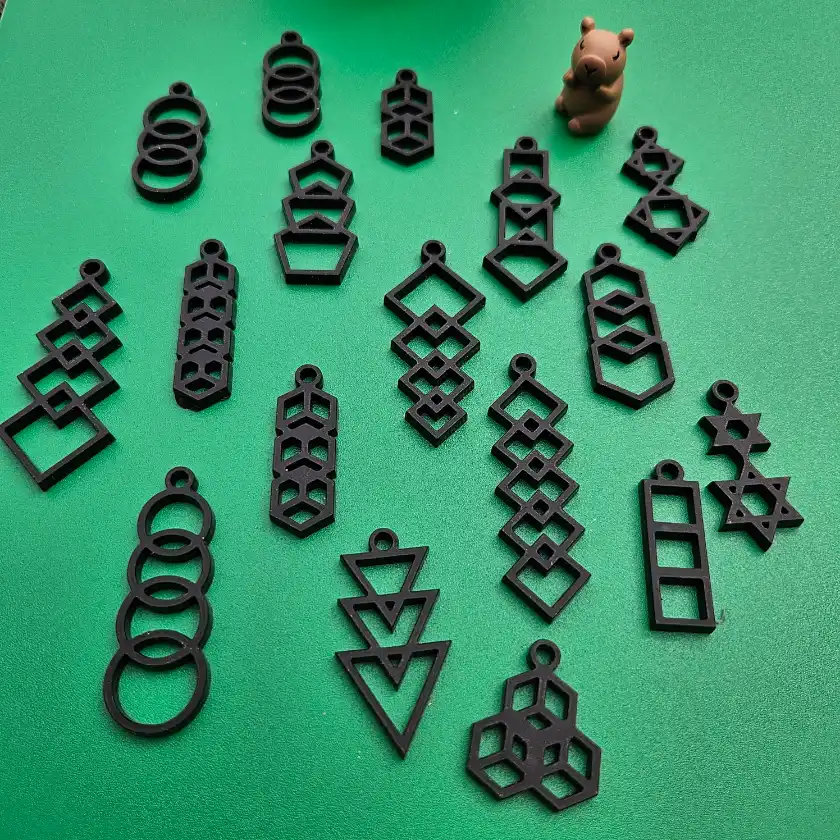
Finished pieces from makers who design with MyLaserTools and cut them on their own machines.

What makers are saying
“I'm really impressed by both the speed at which I can create a map and the amount of fine-tuning available when I need to achieve exactly the result I want.”Keep up with MyLaserTools.
Email me about new tools, product updates, tutorials, and occasional MyLaserTools offers. Unsubscribe at any time.
© 2026 MyLaserTools.com. All rights reserved.