

Free Laser Cutting Keychain Generator
Free personalized layered keychain maker with custom text. Download SVG for laser cutting or STL/3MF for 3D printing. Perfect for gifts, accessories, and promotional items.
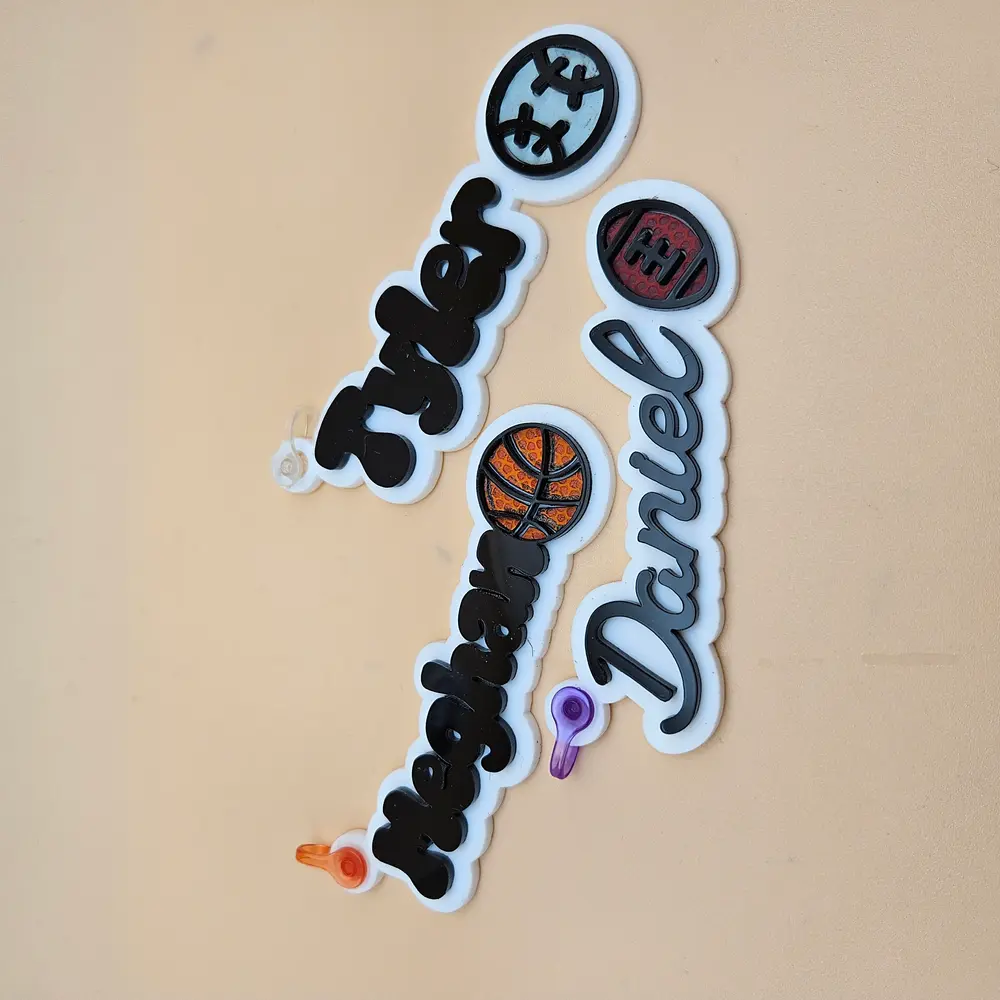
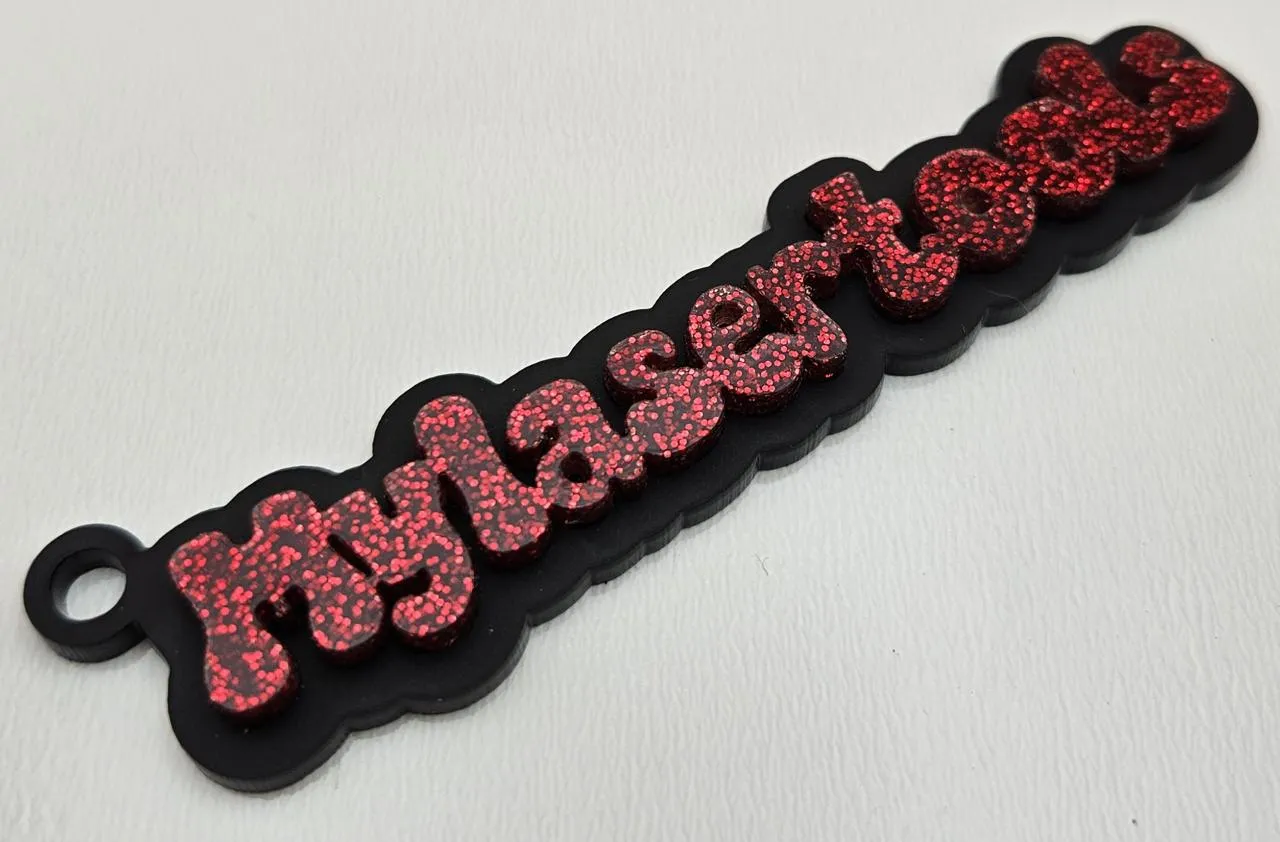
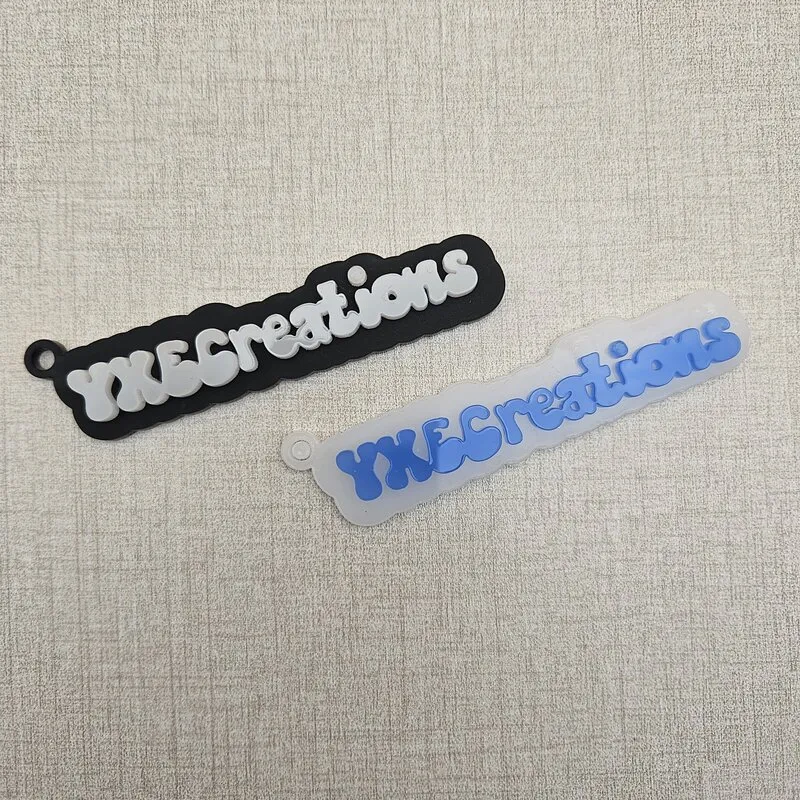
Keychain Generator Examples
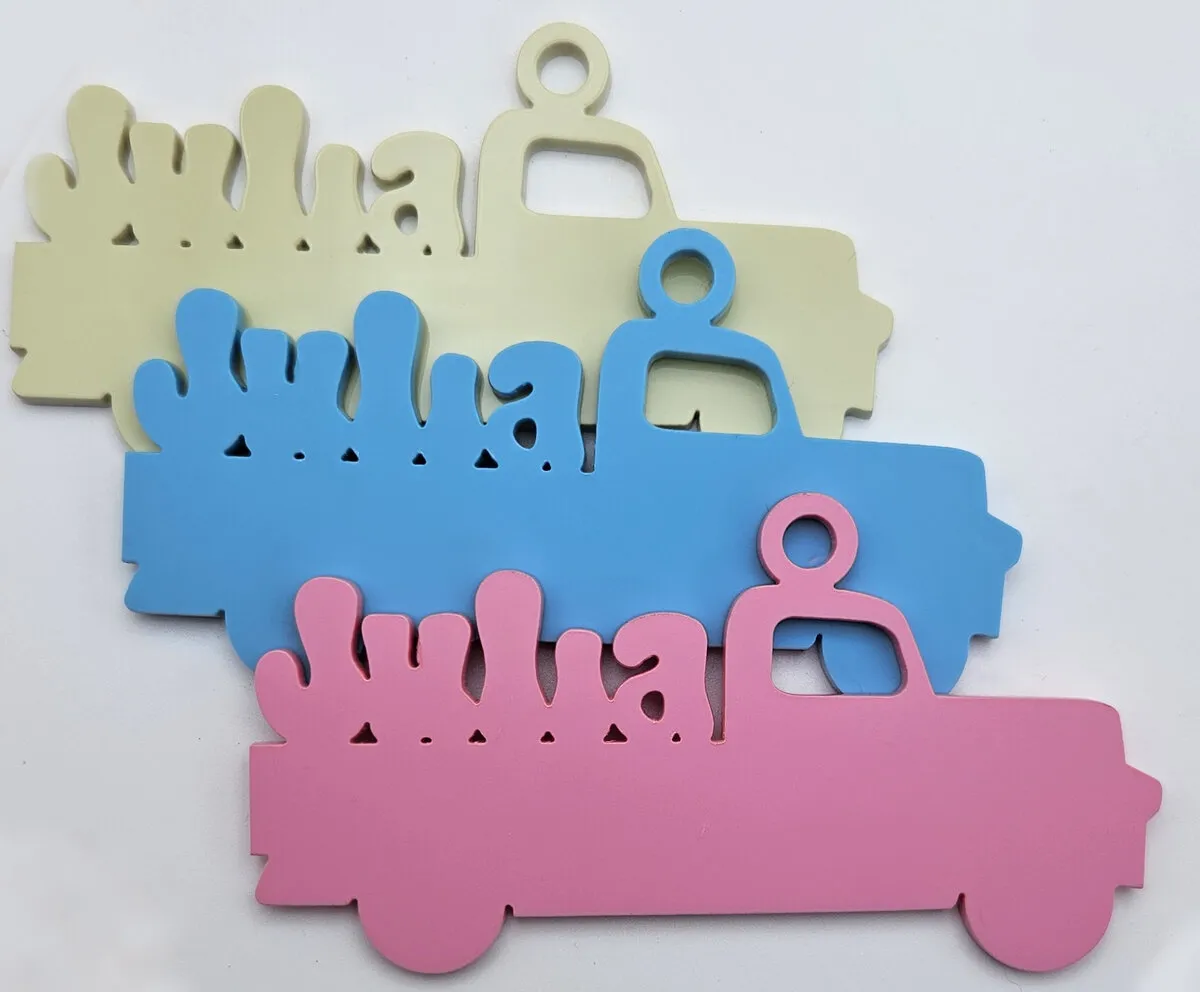
Check out these amazing keychains created with our free SVG generator. See how different materials and fonts can be used to create one-of-a-kind keychains. Get inspired and start designing your own custom keychains today!
Materials used:
Materials used:
- Dual-Finish Pastel Acrylic Sheet - White
- Mirror Acrylic Sheet - Black (2.6 mm)
- Basketball Texture Leatherette - Orange Engraves Black
- Football (Basketball Texture) Leatherette - Brown Engraves Black
- Golf Texture Leatherette - White Engraves Black
- 3M 467MP Adhesive Tape - 12x20 Sheet
- Keychain Snap Clips - Multiple Colours
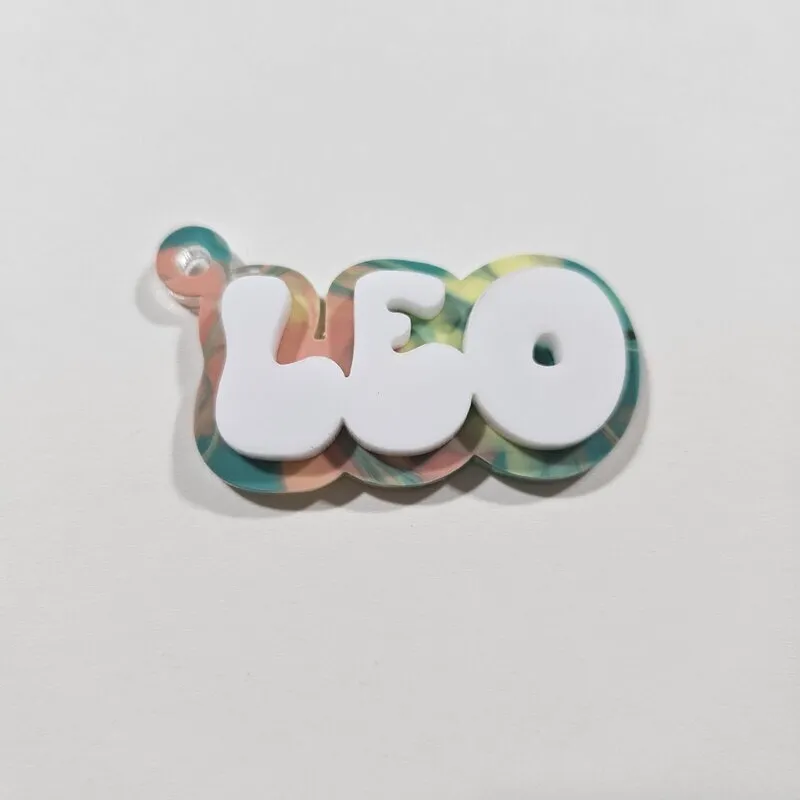
Material Suggestions
Our SVG files are perfect for a variety of materials. For a classic look, try cutting your keychains from wood or plywood. For a more modern and vibrant feel, acrylic in various colors and finishes is a great choice. You can also use leather for a more unique and personal touch.
How To Use
Enter the text for your keychain and select a font. You can also choose between a layered or truck-shaped keychain.
Customize the width of the keychain, the thickness of the outline, and the size of the ring and hole.
Once you are happy with your design, click the "Download SVG" button. Your custom keychain file will be ready to use with your cutting machine.
Frequently Asked Questions
Yes. The Keychain Generator is 100% free with unlimited downloads, no watermarks, and no sign-up. A commercial license is included so you can sell the keychains you make.
Custom name keychains, bag tags, luggage tags, pet tags, and personalized gifts. Type any text, choose a font and shape, add a hole for the ring, and export a cut-ready file.
Clean SVG files optimized for laser cutting and engraving, with the cut outline and engraved text on separate layers. Files open directly in Glowforge, xTool, LightBurn, and any vector-capable machine.
Acrylic, plywood, hardwood, leather, and leatherette all work well. The SVG files are standard and compatible with any material your laser can cut.
Yes. A commercial license is included, so you can sell laser-cut keychains on Etsy, at markets, or anywhere else with no attribution required.
Visit the MyLaserTools Learning Center for a step-by-step Laser Cutting Keychain Generator guide, plus material tips and file-format help for laser cutting, CNC, and 3D printing. The guides walk you through every setting and how to prepare your files for your machine.
Open the Laser Cutting Keychain Generator guideAbout
Our free keychain generator is the perfect tool for creating personalized keychains for any occasion. It generates professional-quality SVG files compatible with a wide range of machines, including Glowforge, xTool, Epilog Laser, Trotec Laser, Cricut, and Silhouette. Experiment with a variety of materials like wood, acrylic, leather, and even metal to create stunning keychains. Our tool allows you to choose from different fonts and styles to design the perfect keychain, whether you're making them for yourself, as a gift, or to sell in your shop. Simply download your file and you're ready to start creating!
Keep up with MyLaserTools.
Email me about new tools, product updates, tutorials, and occasional MyLaserTools offers. Unsubscribe at any time.
© 2026 MyLaserTools.com. All rights reserved.