

Free Symbol Charm & Keychain Generator
Pick an icon from our symbol library and turn it into a layered charm with a backplate, hanger hole, and optional name. Download SVG for laser cutting or STL/3MF for 3D printing.
Symbol Charm Examples
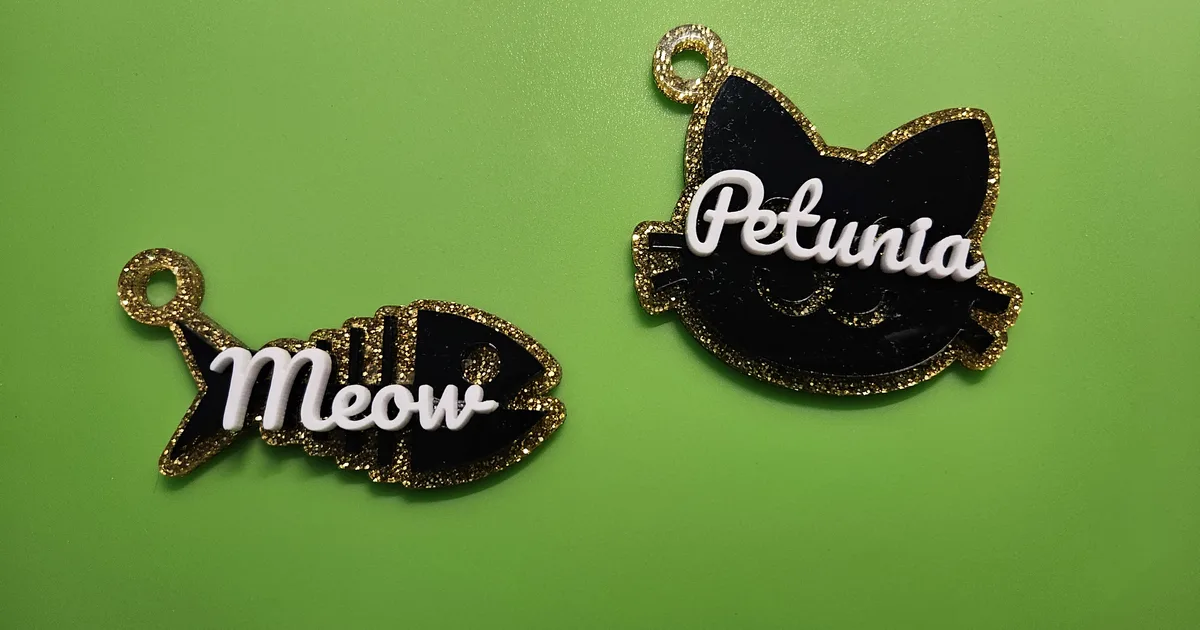
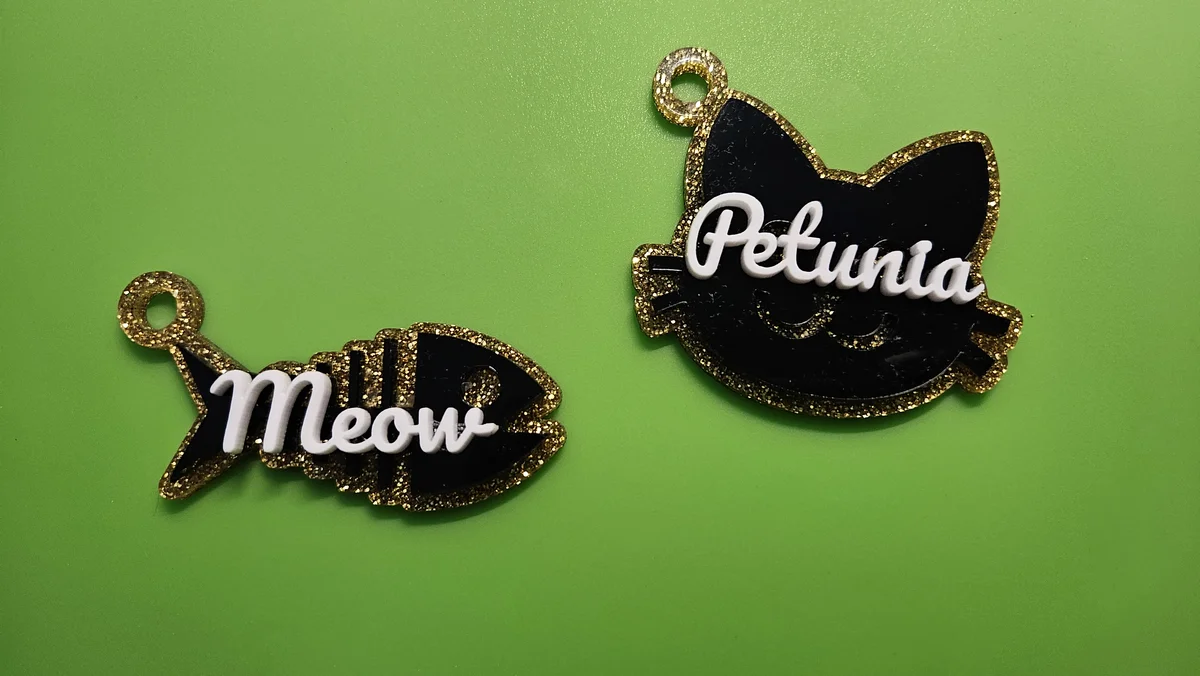
Layered acrylic charms made with the free Symbol Charm Generator. Each is built from a glitter backplate, a mirror-black symbol layer, and a raised name, bonded together and finished with a hanger loop, perfect for keyrings, bag charms, and pet tags.
Materials used:
- Gold Glitter Acrylic (backplate)
- Black Mirror Acrylic (2.6mm) (symbol)
- White Dual-Finish Pastel Acrylic (name)
- 3M 467MP Adhesive Tape (bonding layers)
How To Use
Pick a symbol from the library. It becomes a layered charm with a solid backplate behind the icon detail.
Adjust the charm size, outline (backplate) size, detail thickness, and the hanger hole. Optionally turn on a name and choose a font.
When you are happy with your design, click "Download SVG" for laser cutting, or STL/3MF for 3D printing.
Frequently Asked Questions
Yes. The Symbol Charm Generator is 100% free with unlimited downloads, no watermarks, and no sign-up. A commercial license is included so you can sell the charms and keychains you make.
Layered charms, keychains, zipper pulls, bag charms, and gift tags. Pick an icon from the symbol library and it becomes a two-layer piece: a solid backplate behind the icon detail, with a hanger hole and an optional name.
Clean SVG files optimized for laser cutting, with the backplate, symbol detail, and name on separate paths so you can cut each from its own color. You can also export STL and 3MF for multi-color 3D printing.
Two contrasting colors of acrylic give the crispest layered look, and plywood, hardwood, and leatherette all work well too. The SVG files are standard and compatible with any material your laser can cut.
Yes. A commercial license is included, so you can sell laser-cut charms and keychains on Etsy, at markets, or anywhere else with no attribution required.
Visit the MyLaserTools Learning Center for a step-by-step Symbol Charm Generator guide, plus material tips and file-format help for laser cutting, CNC, and 3D printing. The guides walk you through every setting and how to prepare your files for your machine.
Open the Symbol Charm Generator guideAbout
Our free symbol charm generator turns any icon from our library into a layered charm ready for laser cutting or 3D printing. Each charm is built from a solid backplate and the symbol detail on top, with an optional hanger hole and personalized name. Download professional SVG files compatible with Glowforge, xTool, Epilog, Trotec, Cricut, and Silhouette, or export STL and 3MF for 3D printing. Cut charms from wood, acrylic, leather, or layered materials to create keychains, zipper pulls, and gift tags.
Keep up with MyLaserTools.
Email me about new tools, product updates, tutorials, and occasional MyLaserTools offers. Unsubscribe at any time.
© 2026 MyLaserTools.com. All rights reserved.