

Photo to Connected Outline Generator
Free tool. Turn any photo into closed connected outlines you can fill, stroke, engrave, or cut. Perfect for portrait silhouettes, stencils, vinyl, and screen prints.
Upload Image
Drag & drop or click to upload
Supports JPG, PNG, GIF, WebP
Only upload images you own or have permission to use.
Connected Outline Preview
Upload an image to start
Photo to Connected Outline Examples
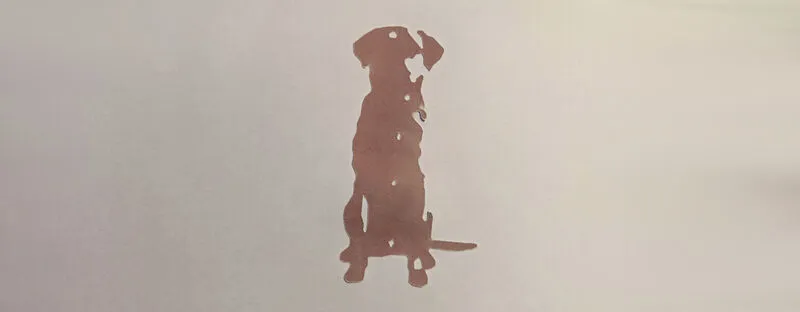
A pet photo turned into a single closed silhouette and laser-cut from cardstock. The connected-outline output is solid enough to cut out cleanly without fragile thin bridges.
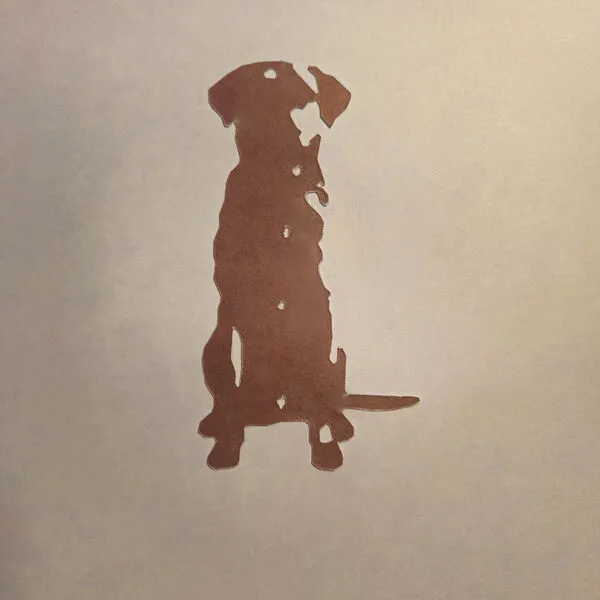
- Brown cardstock, single layer
- Laser cut along the outline
Cardstock cuts fast on most diode and CO2 lasers, so this is a great quick test before committing to wood or acrylic. Mind the inner holes (eye, paw gaps), they need a solid bridge to the outer shape.
Frequently Asked Questions
Yes. The Photo to Connected Outline Generator is 100% free with no limits, no watermarks, and no trial period. Generate and download as many files as you want, free forever.
Free photo-to-outline converter. Closed silhouette paths for laser engraving, cutting, or relief 3D printing. No AI.. Adjust the settings, preview your design in real time, and download a ready-to-make file in seconds.
It exports clean SVG files for laser cutting, CNC, and vinyl, plus STL and multi-colour 3MF files for 3D printing. Everything is generated instantly in your browser.
Laser cutters and engravers including Glowforge, xTool, LightBurn, OMTech, Epilog, Trotec, Thunder Laser, and any machine that accepts SVG or vector files. CNC routers and mills via SVG import in tools like Vectric, Carbide Create, Easel, and Fusion 360. 3D printers via slicers such as Bambu Studio, PrusaSlicer, OrcaSlicer, and Cura, with 3MF files carrying colour data for multi-colour prints.
You can use wood, acrylic, leather, MDF, plywood, cardboard, and paper for laser cutting and CNC, and PLA, PETG, ABS, TPU, and any filament your printer supports for 3D printing. The generated files are standard formats compatible with any material your machine can handle.
No account or sign-up is required for the Photo to Connected Outline Generator. It runs entirely in your browser, your designs never leave your device, and there is nothing to install.
Yes. A commercial license is included, so you can sell products made with the Photo to Connected Outline Generator on Etsy, Amazon Handmade, Shopify, at craft fairs, or anywhere else. Attribution is appreciated but not required.
Visit the MyLaserTools Learning Center for a step-by-step Photo to Connected Outline Generator guide, plus material tips and file-format help for laser cutting, CNC, and 3D printing. The guides walk you through every setting and how to prepare your files for your machine.
Open the Photo to Connected Outline Generator guideAbout
Free tool that turns any photo into closed connected outlines: silhouettes around the dark (or light) regions of your image. Each contour is a closed loop you can fill or stroke. Perfect for engraving, screen prints, vinyl cuts, and stencils.
Everything runs right in your browser, so your photo stays on your computer and we don't track you.
Keep up with MyLaserTools.
Email me about new tools, product updates, tutorials, and occasional MyLaserTools offers. Unsubscribe at any time.
© 2026 MyLaserTools.com. All rights reserved.