

Making print and laser-cut world maps with the World Map Generator
Difficulty: easy. Time: about 5 minutes. Best methods: printing and framing, plus laser engraving or cutting from the SVG.
A stylised map of the whole world makes striking wall art, a travel keepsake, or an engraved wooden showpiece. This tool draws real coastlines and country borders from the public-domain Natural Earth dataset, so the entire globe fits neatly on one sheet. Choose a preset to restyle everything at once, then fine-tune the colours and layers, and export for print or for the laser.
What You'll Need
- Printing: any home printer or a print shop, plus paper in a wide format, and a frame
- Laser engraving: a wood, acrylic, or slate blank and the layered SVG
- Laser cutting: the SVG with the land layer set to cut for a continents silhouette
- Extras: nothing to install, the world data is bundled and runs in your browser
Step 1 - Pick a preset
- Classic Atlas: cream ocean, tan land, thin borders and grid.
- Parchment / Pirate: aged tones with a compass rose and a bold frame.
- Neon Grid / Midnight Gold: dark ocean with glowing coastlines.
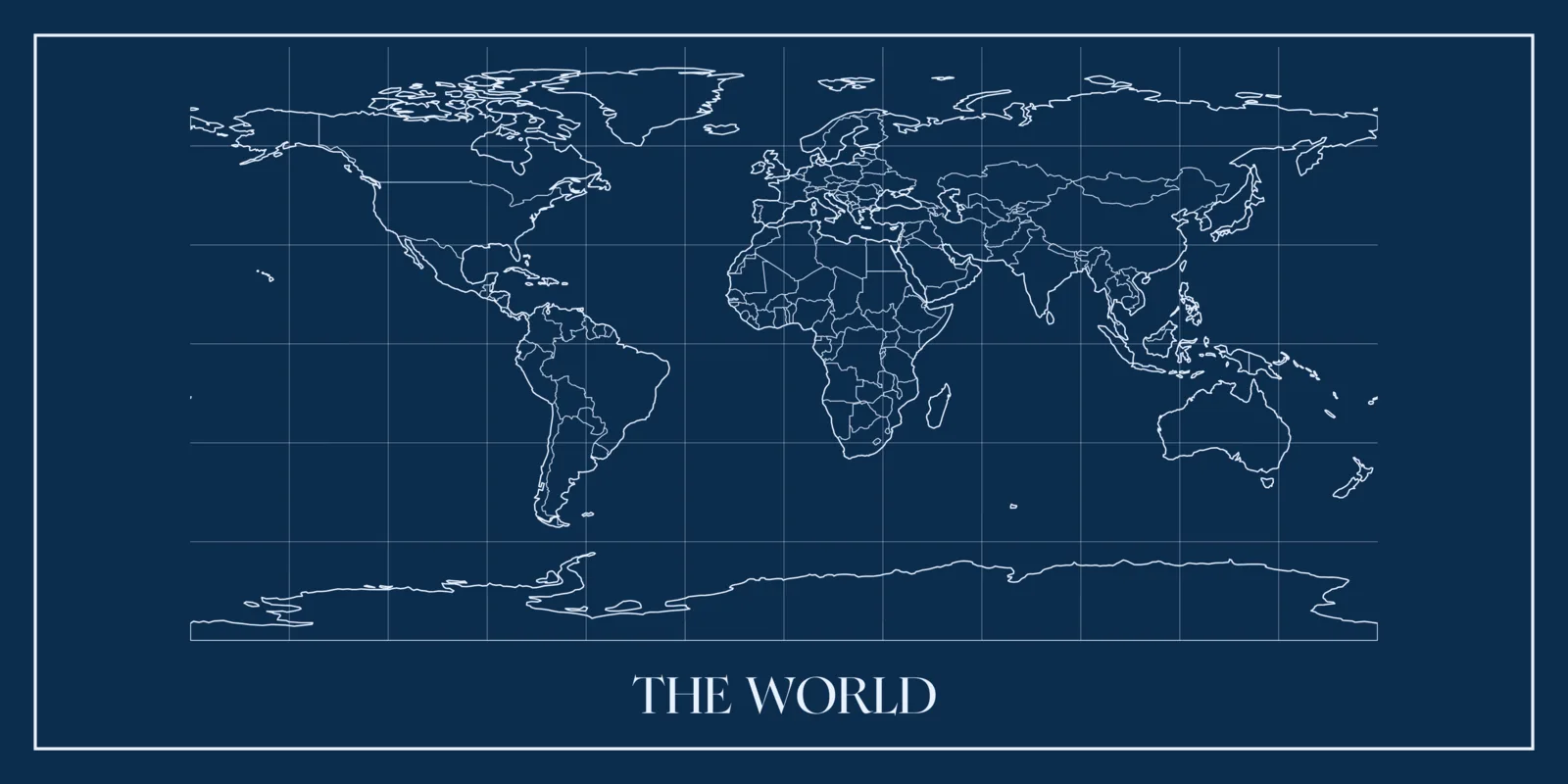
- Blueprint: white linework on deep blue.
- Noir / Black & White: solid continent silhouettes for high contrast and cutting.
Step 2 - Tune the layers
Toggle land fill, the coastline outline, country borders, the latitude and longitude grid, a compass rose, and a border frame. Override the ocean, land, and line colours to match your room or brand.
Step 3 - Add a title and size it
Add a title and subtitle in your chosen fonts, then pick a size preset or set a custom width and height. The world re-fits to fill the sheet at its natural 2:1 proportions.
Step 4 - Export
Download a high-resolution PNG or a print SVG for framing, or a laser SVG with the land, borders, grid, and frame as separate coloured groups. Open it in the Design Editor for further edits.
Choose Your Build Method
Home and print-shop printing
- Use a wide landscape size so the 2:1 world fills the sheet.
- Print the PNG at home, or send the SVG to a print shop for a large poster.
- Pick a palette with enough contrast between ocean and land for the print method.
- Frame it with a matching aspect ratio to avoid cropping the map.
Make It Yours
- Parchment world map with a compass rose for a study or reading nook.
- Neon world map on black acrylic for a bold feature wall.
- Engraved wooden world map with pins marking places you have travelled.
- Cut-out continents silhouette layered over a coloured backboard.
- Blueprint world map as clean linework for an office or workshop.
- Classic atlas print in a wide frame above a sofa or bed.
Keep up with MyLaserTools.
Email me about new tools, product updates, tutorials, and occasional MyLaserTools offers. Unsubscribe at any time.
© 2026 MyLaserTools.com. All rights reserved.