

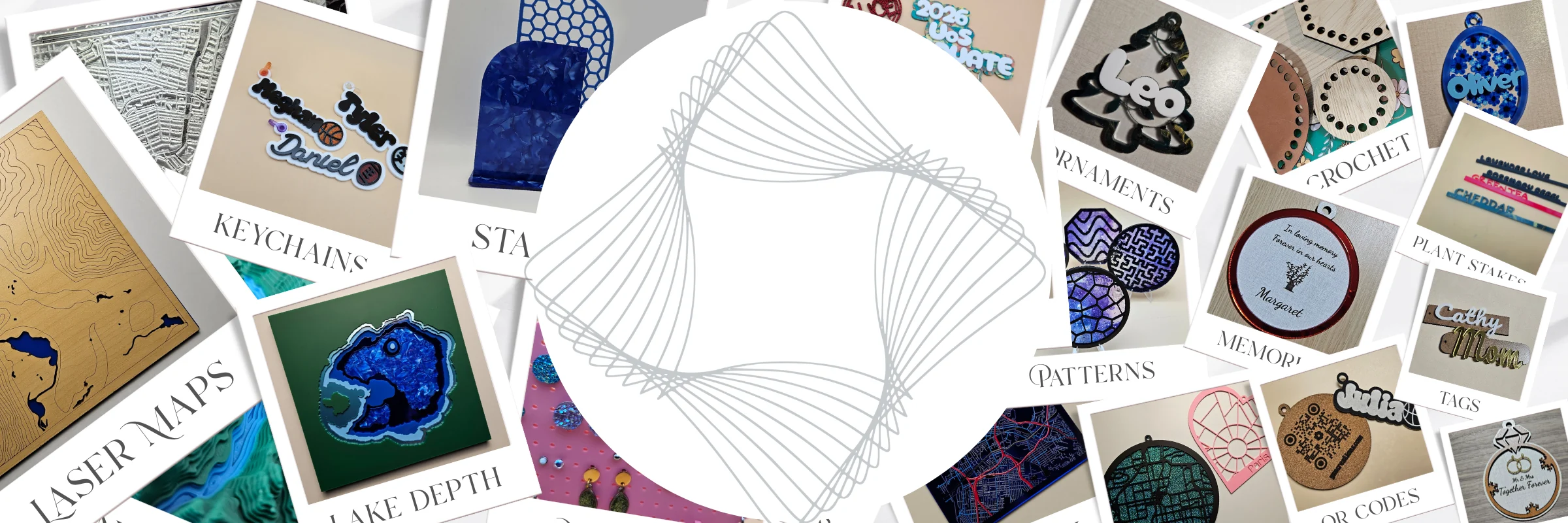
¿Qué es MyLaserTools?
MyLaserTools es un conjunto de más de 180 generadores de diseño en línea para corte láser, mecanizado CNC e impresión 3D. Escribe tu texto, elige opciones y descarga un archivo listo para cortar. La mayoría de las herramientas son gratuitas y no requieren cuenta. Las exportaciones de Map Designer y las ilustraciones de pago de Art Library usan chispas o el nivel de membresía correspondiente.
Míralo en acción
Mira cómo un llavero pasa de ser texto escrito a una pieza terminada: elige una herramienta, personalízala y descarga un SVG para cortar con láser o un STL para imprimir en 3D. Ese es todo el flujo de trabajo, con herramientas de diseño gratuitas.
Ver en YouTubeCreate and customize your design for free
The free Community Designs library is now live. Share a design you made
Free family tree designs for laser cutting and 3D printing
Cómo funciona
1. Escribe y personaliza
Elige una herramienta, escribe tu texto o sube una foto y ajusta opciones como fuentes, formas, tamaños y capas con una vista previa en vivo.
2. Descarga tu archivo
Exporta un SVG para corte láser o CNC, un STL o 3MF para impresión 3D, o un PNG para imprimir. No hay nada que instalar.
3. Crea y vende
Corta, graba o imprime en tu máquina. Se incluye una licencia comercial, así que puedes vender tus piezas terminadas.
Qué puedes crear
Crea letreros personalizados, llaveros, adornos para tartas, cajas, joyas, adornos decorativos, rompecabezas, relojes y marcos de fotos. Diseña mapas urbanos por capas para corte láser, mapas de lagos con profundidades medidas o estimadas, mapas de batimetría oceánica y paisajes topográficos. Las herramientas fotográficas convierten imágenes en dibujos de líneas para grabar, semitonos, espirales, litofanías y placas en relieve.
Explora todo por categoría en la página de inicio, lee tutoriales paso a paso en el Centro de aprendizaje, mira proyectos terminados en la galería o empieza desde cero en el Design Editor gratuito.
Map Designer
Mapas por capas para corte láser, sin complicaciones
Convierte calles, profundidades de lagos y océanos y curvas de nivel del terreno en mapas por capas. Los preajustes preparan las capas para que puedas personalizar un lugar sin dibujarlo desde cero.
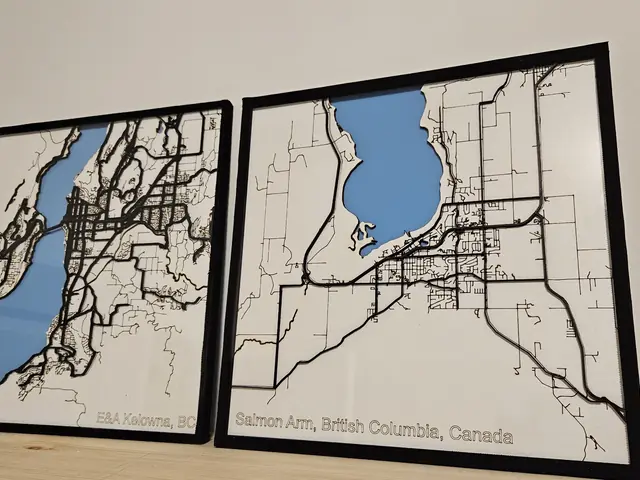
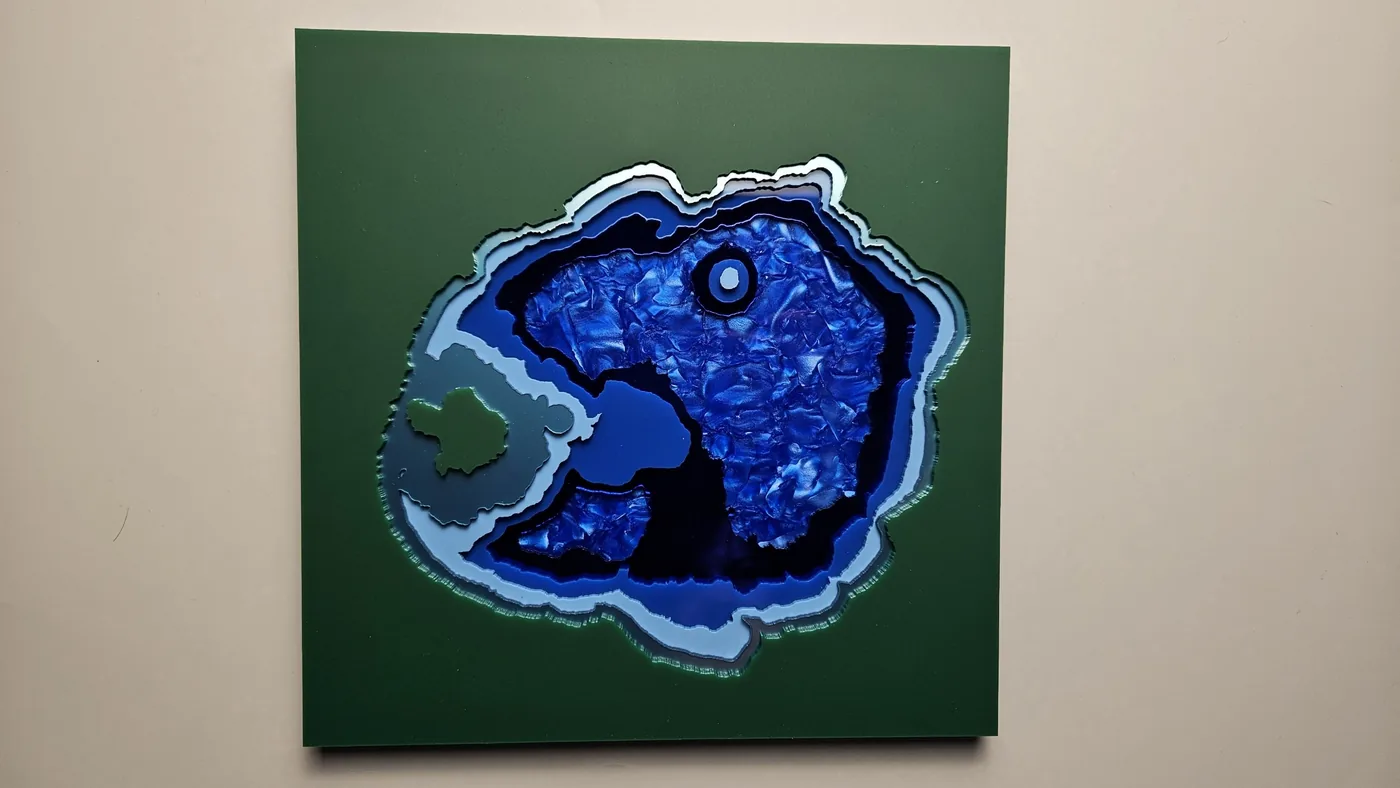
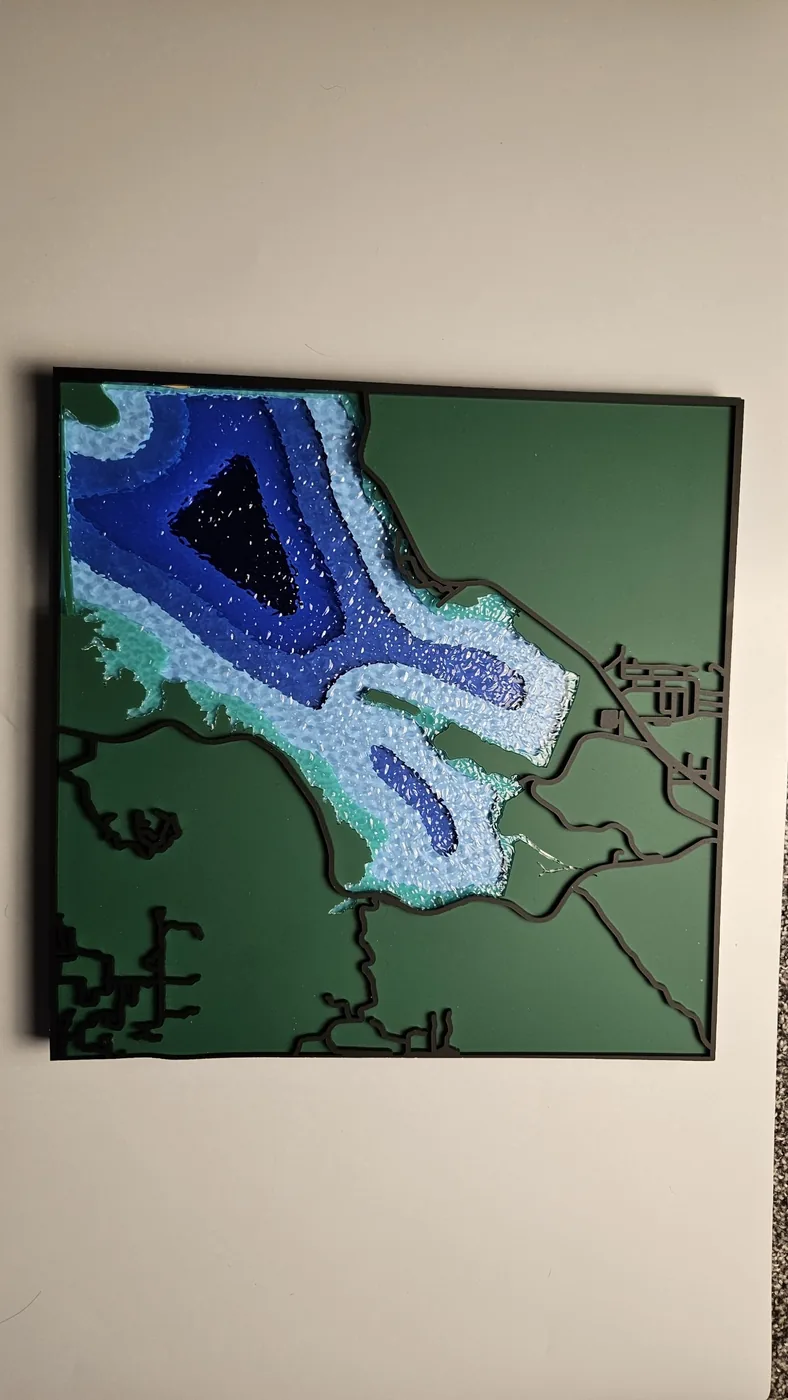
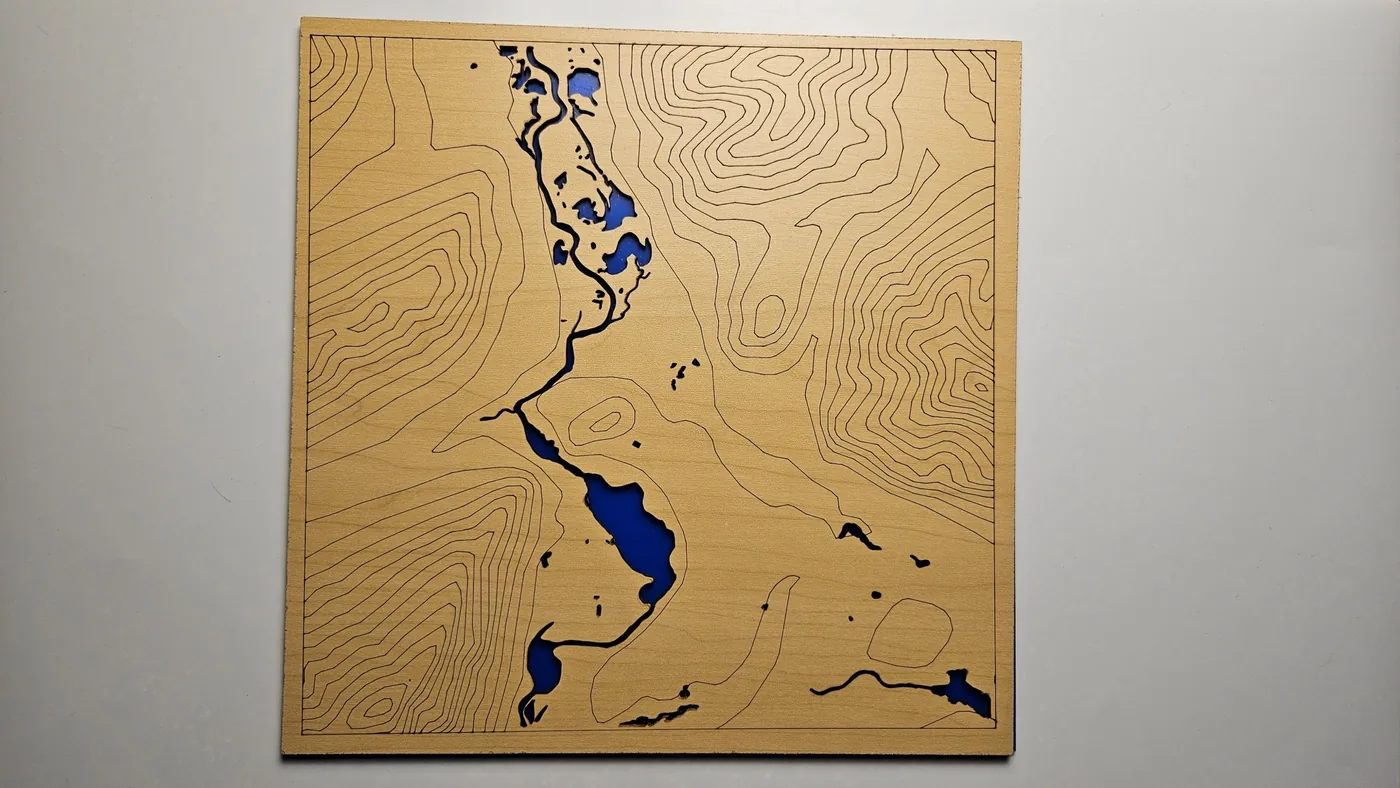
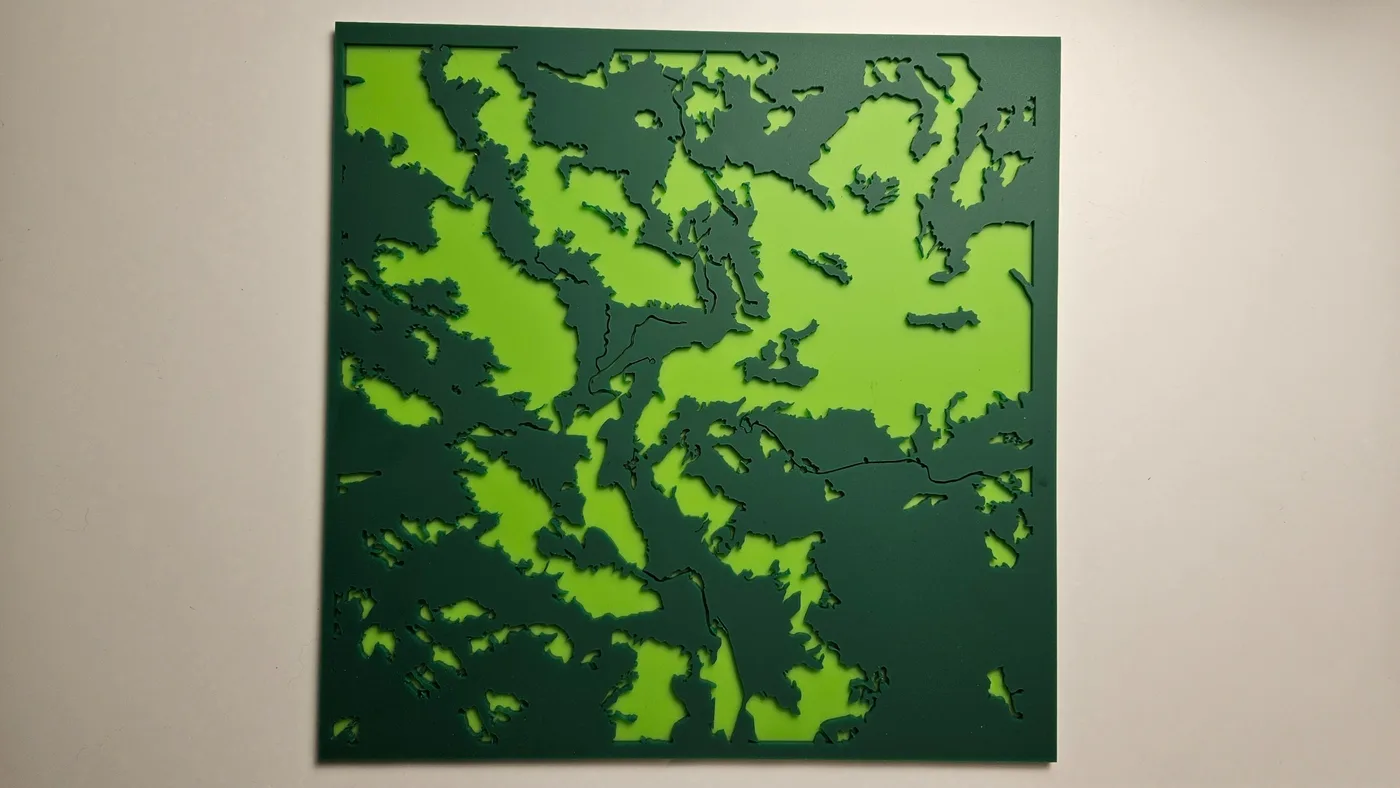
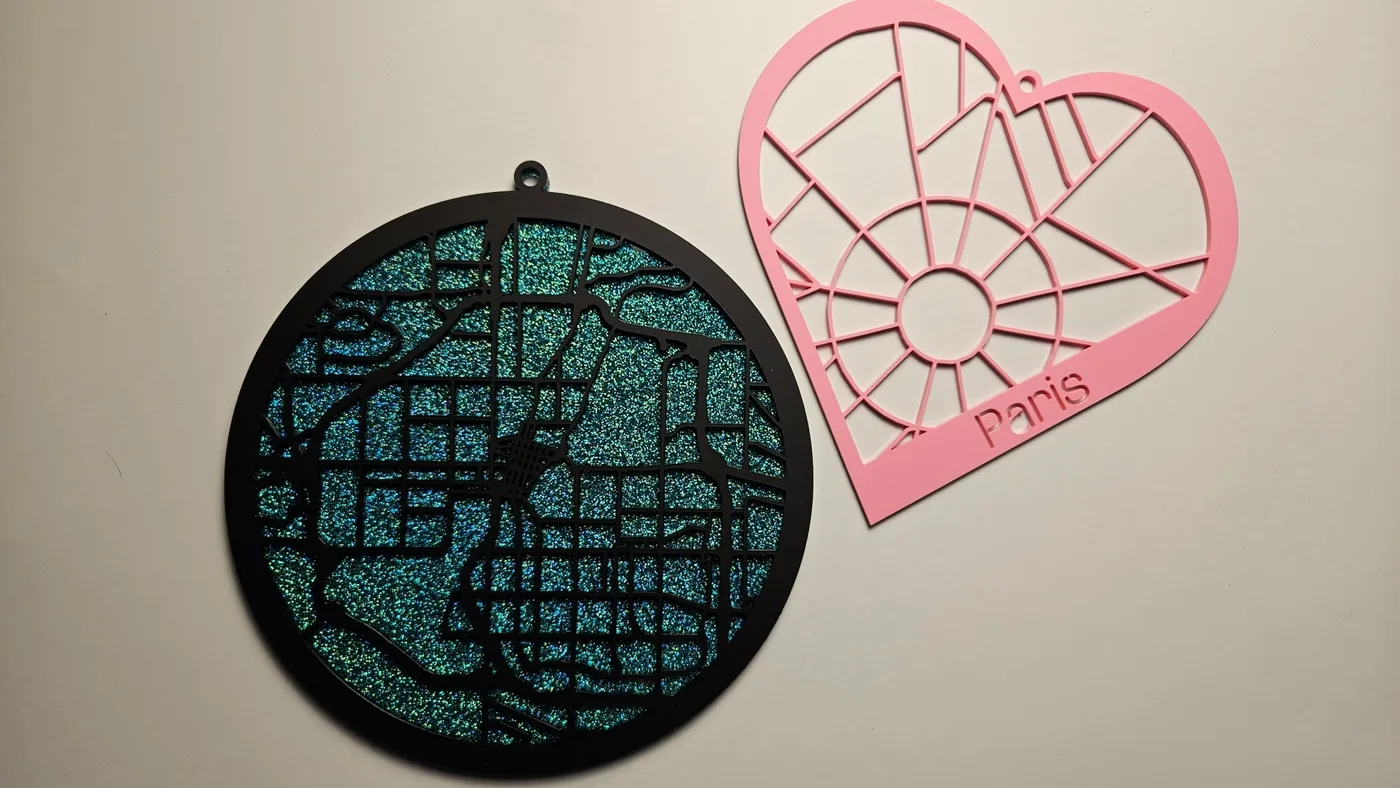
Para los lagos, elige profundidades basadas en mediciones reales cuando estén disponibles o una forma subacuática estimada. Los mapas costeros y oceánicos utilizan un conjunto de datos de batimetría oceánica independiente.
Elige un lugar
Empieza con un preajuste y busca tu ciudad, lago, costa o paisaje.
Ajusta y previsualiza
Configura el tamaño y las capas, y utiliza la vista previa en 3D para ver cómo encajan las capas apiladas.
Exporta, corta y apila
Descarga capas SVG por separado o un SVG combinado para tu software láser, y luego corta y monta.
Una cuenta gratuita incluye todos los preajustes públicos, proyectos guardados y 100 chispas para gastar, 10 por cada exportación de mapa. Opciones para más exportaciones
Preguntas frecuentes
¿Qué es MyLaserTools?
MyLaserTools es un conjunto de más de 180 generadores de diseño en línea para corte láser, mecanizado CNC e impresión 3D. Escribes tu texto y eliges opciones, y cada herramienta genera un archivo listo para cortar que puedes descargar. La mayoría de las herramientas son gratuitas y no requieren cuenta. Las exportaciones de Map Designer y las ilustraciones de pago de Art Library usan chispas o el nivel de membresía correspondiente.
¿MyLaserTools es gratis?
Sí. La mayoría de las herramientas son gratuitas y tienen descargas ilimitadas. Una cuenta gratuita incluye Map Designer, ajustes predefinidos públicos, proyectos guardados y 100 chispas para usar: 10 por exportación de mapa y 2 por desbloqueo de ilustración de pago. Después, puedes elegir un paquete de pago único o Pro para exportaciones de mapas ilimitadas.
¿Qué formatos de archivo puedo exportar?
Las herramientas exportan SVG para corte láser y CNC, STL y 3MF para impresión 3D, y PNG para imprimir, según la herramienta. Son formatos estándar que se abren en cualquier software compatible.
¿Con qué máquinas y software funciona?
Los archivos SVG, STL, 3MF y PNG funcionan con Glowforge, xTool, Epilog, Trotec, LightBurn, Cricut, Bambu, Prusa y cualquier otra láser, CNC o impresora 3D que acepte estos formatos estándar.
¿Necesito instalar algo o registrarme?
No hace falta instalar nada. La mayoría de las herramientas no requieren registro. Las descargas de Map Designer y de ilustraciones de Art Library sí requieren cuenta. Las cuentas nuevas empiezan con 100 chispas compartidos entre exportaciones de mapas y desbloqueos de ilustraciones de pago. Map Designer usa datos y renderizado de mapas en línea y guarda los proyectos en tu cuenta. Las herramientas de fotos procesan tus imágenes localmente, así que nunca salen de tu dispositivo.
¿Puedo vender lo que hago con MyLaserTools?
Sí. Todos los planes permiten el uso personal y comercial, incluidos los productos físicos que vendas. Las cuentas gratuitas también pueden revender diseños del Editor de diseño, incluidas las obras desbloqueadas de la Biblioteca de Arte. Revender archivos de los generadores y de Map Designer requiere Supporter o Pro, y los archivos hechos durante la suscripción se pueden seguir revendiendo cuando esta termina. No se permite descargar de forma masiva ni crear un catálogo que compita con nosotros. Consulta la página de licencias para ver los detalles y los requisitos de atribución.
Diseños comunitarios gratuitos
Explora la galería comunitaria para encontrar diseños SVG gratuitos y listos para cortar, compartidos por otros makers. Todos los diseños comunitarios se pueden descargar gratis, y puedes publicar tus propios diseños para compartirlos con makers de todo el mundo.
Únete a la comunidad
Síguenos para ver tutoriales y nuevas herramientas, y comparte lo que creas con makers de todo el mundo.
¿Preguntas o comentarios? Escríbenos a support@mylasertools.com.
Mantente al día con MyLaserTools.
Quiero recibir correos sobre nuevas herramientas, actualizaciones del producto, tutoriales y ofertas ocasionales de MyLaserTools. Puedo darme de baja en cualquier momento.
© 2026 MyLaserTools.com. Todos los derechos reservados.