

Depth Map Inspector
Check what a depth map really holds before it goes on the laser. See the real number of grey levels, catch 16-bit imposters, count the depths your pass count gives and preview the relief in 3D.
How To Use
Choose a depth map (PNG, PGM or PPM are read exactly, bit for bit), paste one with Ctrl+V, or try one of the samples. Your file stays in your browser.
Read the verdict at the top of the report. It tells you whether the file holds the precision it claims, or whether it is an 8-bit map saved as 16-bit, a stretched 10-bit ladder, a coloured picture or a shaded render.
Set Passes to the layer count you plan to run. The table shows how many distinct depths you get, which passes form the relief and which only cut a flat recess.
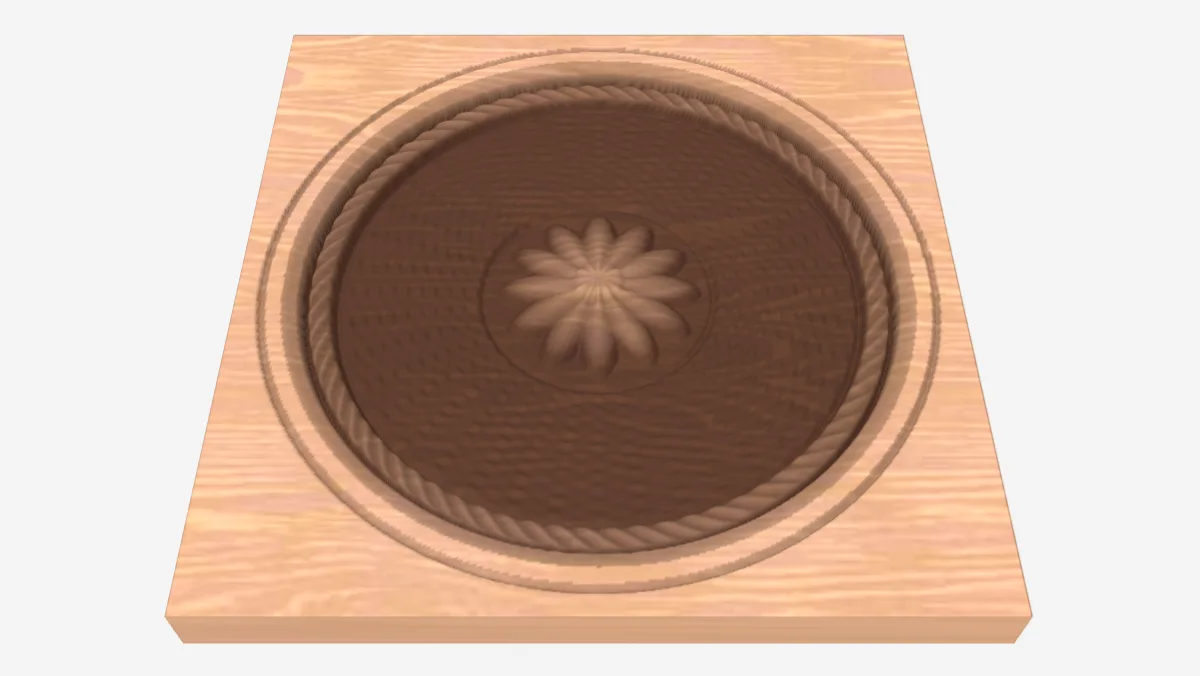
Turn on Show the passes and raise the exaggeration to see the terraces in 3D. Lower the pass count until the steps start to show to find what the map really needs.
If the levels only use part of the range, use Fix levels to choose what is full depth and what stays untouched, then download a clean 16-bit greyscale PNG for your laser software.
Frequently Asked Questions
Yes. The Depth Map Inspector is 100% free with no limits, no watermarks, and no trial period. Generate and download as many files as you want, free forever.
Free depth map checker for laser relief engraving: find 16-bit files that only carry 8 bits, count the depths at your pass count and preview the terraces in 3D. Adjust the settings, preview your design in real time, and download a ready-to-make file in seconds.
It exports clean, machine-ready SVG vector files with separate cut and engrave layers where applicable. Files are generated instantly in your browser.
Laser cutters and engravers including Glowforge, xTool, LightBurn, OMTech, Epilog, Trotec, Thunder Laser, and any machine that accepts SVG or vector files.
You can use wood, acrylic, leather, MDF, plywood, cardboard, and paper for laser cutting and CNC. The generated files are standard formats compatible with any material your machine can handle.
No account or sign-up is required for the Depth Map Inspector. It runs entirely in your browser, your designs never leave your device, and there is nothing to install.
Yes. A commercial license is included, so you can sell products made with the Depth Map Inspector on Etsy, Amazon Handmade, Shopify, at craft fairs, or anywhere else. Attribution is appreciated but not required.
Visit the MyLaserTools Learning Center for a step-by-step Depth Map Inspector guide, plus material tips and file-format help for laser cutting, CNC, and 3D printing. The guides walk you through every setting and how to prepare your files for your machine.
Browse the Learning Center guidesAbout
A depth map that says 16-bit can carry only 8 bits of real depth, and nothing in a normal image viewer or laser program will tell you. The Depth Map Inspector reads every pixel exactly, counts the grey levels that are really there and names the cause when they fall short: byte copying, a shifted 8-bit map, an even ladder from 10 or 12-bit data, grey stored as colour, stray coloured pixels, a dithered picture or a shaded render instead of a height map. It then answers the question that matters on the machine: at the pass count you plan to run, how many distinct depths will you get, and how much of the job shapes the relief rather than cutting a flat recess.
The checks come from DepthView, a free and open source depth map inspector made by Lee Gillie and shared with our community under the MIT license. Its desktop app adds folder reports, a tuning wizard and finishing previews. See our community contributions.
Keep up with MyLaserTools.
Email me about new tools, product updates, tutorials, and occasional MyLaserTools offers. Unsubscribe at any time.
© 2026 MyLaserTools.com. All rights reserved.